Teaching Document to Debug in Grade 7: Oklahoma Standard 7.AP.PD.05
Teaching Document to Debug in Grade 7: Oklahoma Standard 7.AP.PD.05
Teaching documenting computer programs in grade 7 does not have to be complicated. Picture a software engineer documenting code so teammates and future maintainers can understand and safely modify it. That kind of thinking is exactly what Oklahoma's grade 7 computer science standard 7.AP.PD.05 asks students to practice — and it is very teachable with the right materials. This post walks through what the standard means, the misconceptions students bring to it, and discussion starters you can use tomorrow, whether you teach in a classroom or at your kitchen table.
What Does Standard 7.AP.PD.05 Actually Ask?
Document text-based programs of increasing complexity in order to make them easier to follow, test, and debug. — Oklahoma Academic Standards for Computer Science (February 2023)
In plain language: Oklahoma's standard asks seventh graders to document text-based programs of increasing complexity in order to make them easier to follow, test, and debug.
In student-friendly terms, the learning target is: "I can document text-based programs of increasing complexity in order to make them easier to follow, test, and debug."
What Students Should Be Able to Do
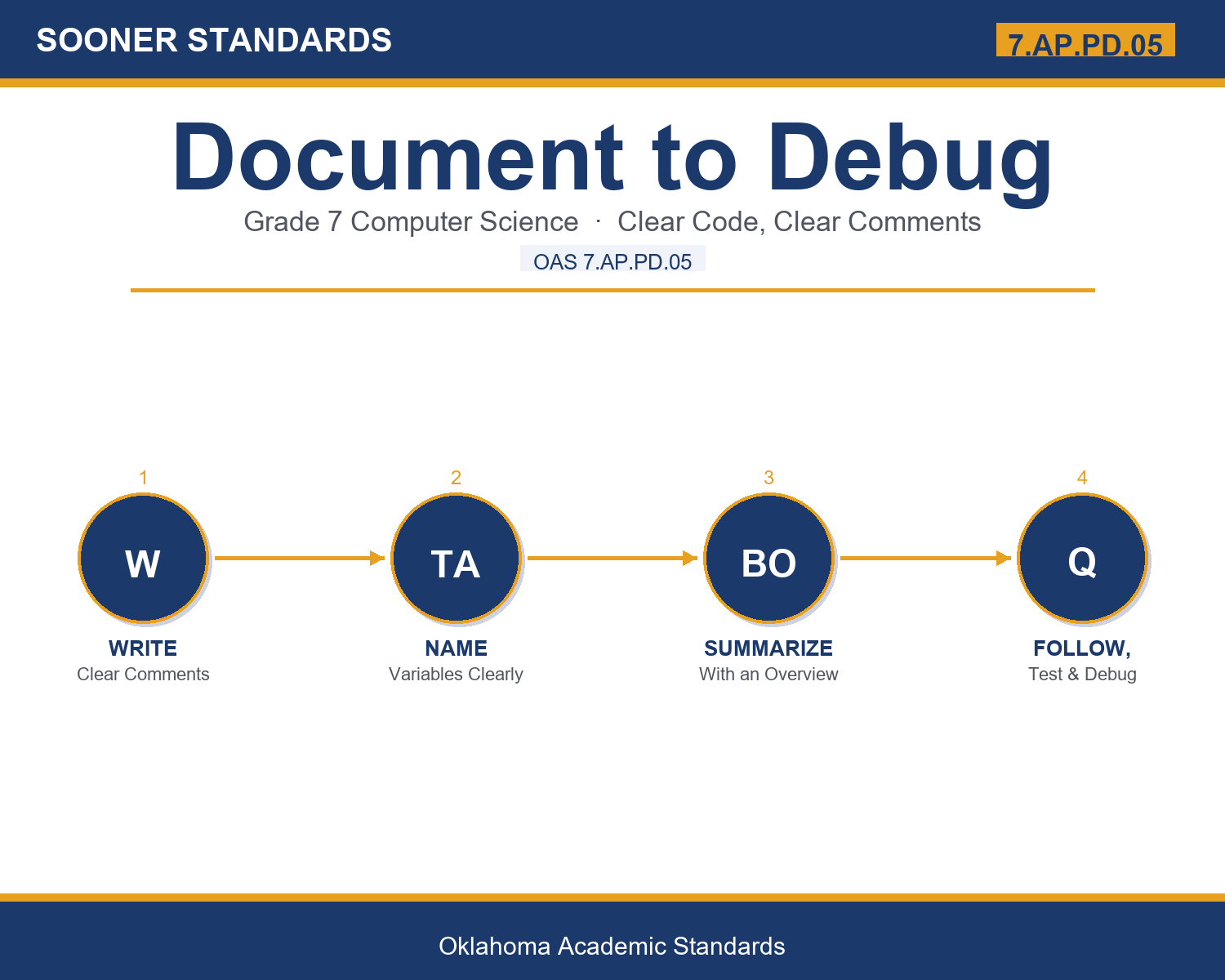
- I can write clear comments explaining what code sections do and why.
- I can use descriptive variable names that reflect what they represent.
- I can adapt my documentation to a program's growing complexity.
- I can explain how documentation makes a program easier to test and debug.
Along the way, students pick up the working vocabulary of the topic: documentation, comment, variable, descriptive, follow, debug, complexity, overview, maintain, readability, consistent, changelog.
Documenting Computer Programs: Misconceptions to Watch For
These are the wrong turns students reliably take with this standard — knowing them ahead of time is half the lesson plan. Each correction strategy below comes straight from the unit's teacher guide (the paragraph and activity references point into the unit itself).
1. "Documentation matters less as a program becomes more complex, since there's less time to write it."
Use paragraph 1's key point — documentation becomes more important, not less, as complexity grows, since it's harder to remember how everything works.
2. "A comment is processed by the computer along with the rest of the code."
Reference paragraph 2 — comments are ignored by the computer entirely and exist only to be read by humans.
3. "Variable names don't really matter as long as the code technically works correctly."
Point to paragraph 3 — descriptive variable names function as a quiet, built-in form of documentation that helps readers follow logic naturally.
4. "Once documentation is written, it never needs to be updated again."
Clarify from paragraph 8 — documentation should be kept accurate and up to date as a program changes, since outdated notes can mislead readers.
Discussion Starters You Can Use Tomorrow
- Why do you think programmers sometimes skip writing documentation, even though it's genuinely helpful?
- What's an example of a vague variable name you could rewrite to be more descriptive?
- Why might a tester benefit from documentation before even running a program?
Bringing It Home
This topic is a natural one for families. One ten-minute activity to try: Together, look at a recipe, instruction manual, or set of directions and discuss what makes it clear or confusing, then talk about how that relates to writing clear notes in a computer program.
Where This Leads
Students who can document text-based programs of increasing complexity in order to make them easier to follow, test, and debug are building skills used every day in software engineering, technical writing, open source maintenance, QA testing, and computer science education.
See the Unit in Action
Get the Complete 7.AP.PD.05 Unit
I built a complete, no-prep unit for this standard — Documenting Programs of Increasing Complexity — covering 3-4 days of instruction across 36 pages:
- Teacher guide — day-by-day pacing, misconceptions to watch for, discussion questions, differentiation for support / ELL / extension, and a 4-point rubric
- Student learning target page — a kid-friendly "I can" statement with success criteria
- Full content lesson with 3 embedded "Check Your Understanding" checkpoints
- 12-question assessment (6 multiple choice, 4 true/false, 2 short answer) with a complete answer key, explanations, and exemplar responses
- Group activity — "Document the Mystery Program" (45-50 minutes)
- Individual activity — "Document My Own Program Idea" (40-50 minutes)
- Crossword and word search built from all 12 vocabulary terms (with answer keys)
- Family connection letter — a plain-language page for parents, with dinner-table questions and a 10-minute home activity
- Certificate of achievement — ready to sign and send home
- Documentation Practice and Reference Materials (separate printable, 1 page)
Get Document to Debug on Teachers Pay Teachers →
Every Sooner Standards resource is built directly from the official Oklahoma Academic Standards for Computer Science (February 2023) — standard text taken directly from the source document.