Teaching Cybersecurity & Protecting Personal Information in Grade 5: Oklahoma Standard 5.NI.CY.01
Teaching Cybersecurity & Protecting Personal Information in Grade 5: Oklahoma Standard 5.NI.CY.01
Teaching cybersecurity for kids in grade 5 does not have to be complicated. Picture a student recognizing a phishing message that pretends to be from a favorite game and pauses before clicking. That kind of thinking is exactly what Oklahoma's grade 5 computer science standard 5.NI.CY.01 asks students to practice — and it is very teachable with the right materials. This post walks through what the standard means, the misconceptions students bring to it, and discussion starters you can use tomorrow, whether you teach in a classroom or at your kitchen table.
What Does Standard 5.NI.CY.01 Actually Ask?
Discuss real-world cybersecurity problems and identify strategies for how personal information can be protected. — Oklahoma Academic Standards for Computer Science (February 2023)
In plain language: Oklahoma's standard asks fifth graders to discuss real cybersecurity problems, like scams and weak passwords, and to identify strategies for protecting personal information, such as creating strong passwords and pausing before clicking suspicious links.
In student-friendly terms, the learning target is: "I can discuss real-world cybersecurity problems and identify strategies for protecting personal information online."
What Students Should Be Able to Do
- I can explain what makes a password strong and why passwords should be kept private.
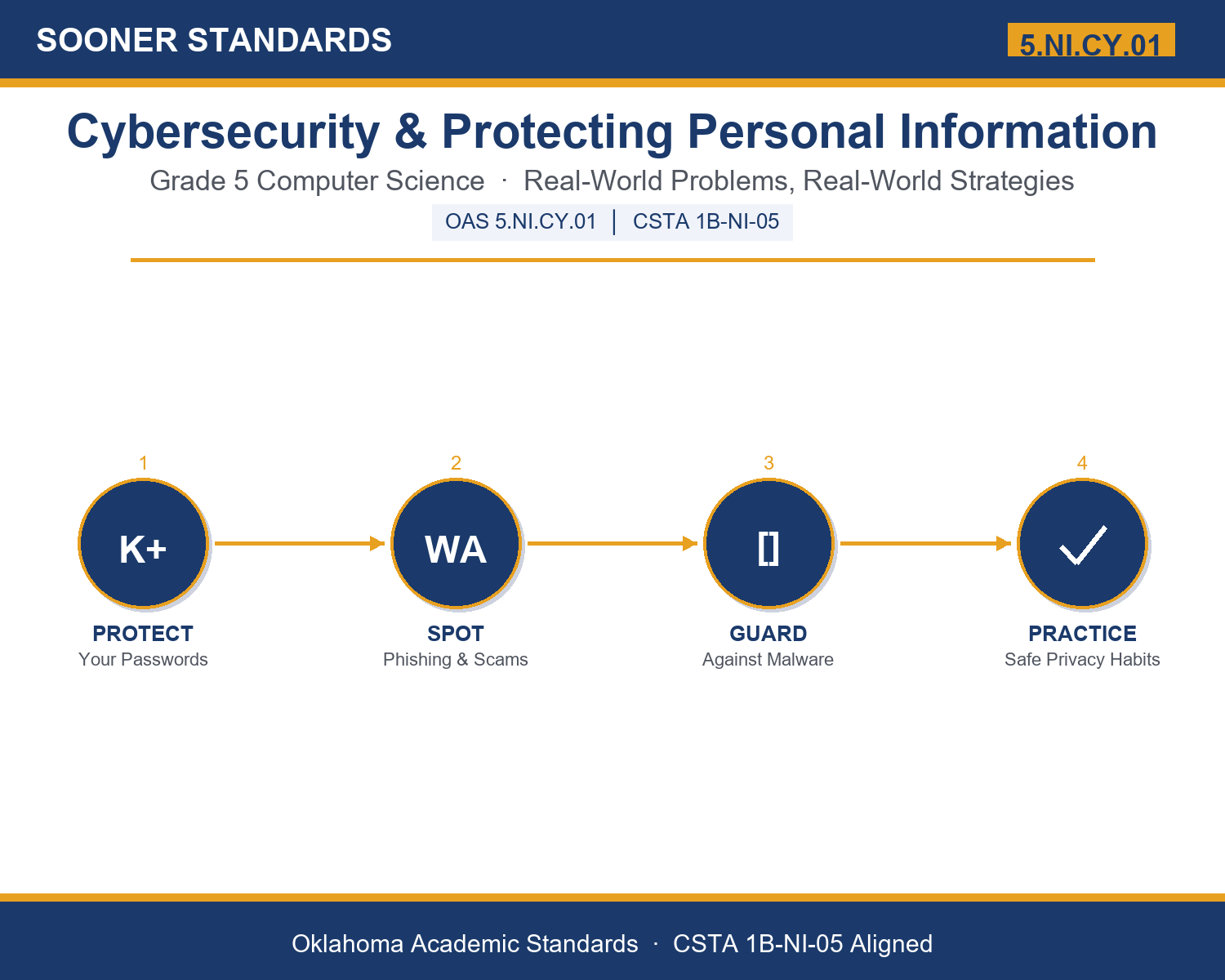
- I can describe phishing, scams, and malware and explain how each one can harm a person's information.
- I can identify at least three strategies for protecting personal information online and on shared devices.
- I can explain why everyone, regardless of their access to technology, deserves cybersecurity protection.
Along the way, students pick up the working vocabulary of the topic: password, privacy, phishing, malware, encryption, firewall, username, scam, hacker, network, antivirus, update.
Cybersecurity For Kids: Misconceptions to Watch For
These are the wrong turns students reliably take with this standard — knowing them ahead of time is half the lesson plan. Each correction strategy below comes straight from the unit's teacher guide (the paragraph and activity references point into the unit itself).
1. "Cybersecurity is only something adults at big companies need to worry about."
Return to paragraph 1, which gives examples of students' accounts and family photos being affected. Ask students to brainstorm an account or device they personally use that holds some of their information.
2. "A long password is automatically a strong password, even if it is a birthday or a pet's name repeated."
Revisit paragraph 2. A strong password mixes character types AND avoids personal details that someone could find or guess, such as birthdays or pet names — length alone is not enough.
3. "If a message or website looks official, with logos and proper spelling, it must be safe."
Use paragraph 3's description of phishing. Real cybersecurity problems often look convincing on purpose. Emphasize the questions in paragraph 7 — urgency and unexpected requests for passwords are the real warning signs, not appearance alone.
4. "Installing antivirus software means a device can never be affected by malware again."
Paragraph 4 frames antivirus and updates as two strategies that work together, like a guard checking a building — neither one is a guarantee, which is why both strategies, plus careful choices about what to download, all matter together.
Discussion Starters You Can Use Tomorrow
- Can you think of a time you or someone you know received a message that seemed suspicious? What made it seem that way?
- Why do you think people who write phishing messages often try to make readers feel like they need to act 'right now'?
- Why might it be a bad idea to use the same password for a game account and an email account?
Bringing It Home
This topic is a natural one for families. One ten-minute activity to try: Together, pick one account or device your family uses and talk through whether its password could be made stronger. You do not need to know or share the actual password — just discuss together what makes a password strong versus weak, and check whether the device has any pending software updates waiting to be installed.
Where This Leads
Students who can discuss real-world cybersecurity problems and identify strategies for protecting personal information online are building skills used every day in cybersecurity analysis, IT support, ethical hacking / penetration testing, education technology, and software development.
Part of the Complete Grade 5 Computer Science Curriculum
This lesson covers just one standard. It is part of a complete grade 5 computer science curriculum aligned to every Oklahoma OAS CS standard. See the full listing — every standard, organized by strand — here: Grade 5 Computer Science Curriculum: Every Oklahoma OAS CS Standard.
See the Unit in Action
Get the Complete 5.NI.CY.01 Unit
I built a complete, no-prep unit for this standard — Cybersecurity and Protecting Your Personal Information — covering 3-4 days of instruction across 33 pages:
- Teacher guide — day-by-day pacing, misconceptions to watch for, discussion questions, differentiation for support / ELL / extension, and a 4-point rubric
- Student learning target page — a kid-friendly "I can" statement with success criteria
- Full content lesson with 3 embedded "Check Your Understanding" checkpoints
- 12-question assessment (6 multiple choice, 4 true/false, 2 short answer) with a complete answer key, explanations, and exemplar responses
- Group activity — "Spot the Scam: Cybersecurity Scenario Sort" (20-30 minutes)
- Individual activity — "My Digital Safety Plan" (15-20 minutes)
- Crossword and word search built from all 12 vocabulary terms (with answer keys)
- Family connection letter — a plain-language page for parents, with dinner-table questions and a 10-minute home activity
- Certificate of achievement — ready to sign and send home
- Scenario Card Set: Spot the Scam (separate printable, 2 pages)
- Reference Notes: Cybersecurity & Protecting Personal Information (separate printable, 2 pages)
- My Digital Safety Plan (separate printable, 2 pages)
Get Cybersecurity & Protecting Personal Information on Teachers Pay Teachers →
Also aligned to CSTA 1B-NI-05: Discuss real-world cybersecurity problems and how personal information can be protected.
Every Sooner Standards resource is built directly from the official Oklahoma Academic Standards for Computer Science (February 2023) — standard text verified, never paraphrased from memory.