Accessible Technology: Evaluating and Improving Design for All Users
Teaching Accessible Technology in Grade 8: Oklahoma Standard 8.IC.CU.02
A website that requires precise mouse clicks might be perfectly usable for one person and completely unusable for someone who navigates with a keyboard or voice control. Oklahoma's standard 8.IC.CU.02 asks eighth graders to notice that gap and act on it: evaluating and improving the design of existing technologies to meet the needs of different users and increase accessibility and usability. This post walks through what the standard means, the vocabulary students need, and a few discussion starters you can use tomorrow.
What Does Standard 8.IC.CU.02 Actually Ask?
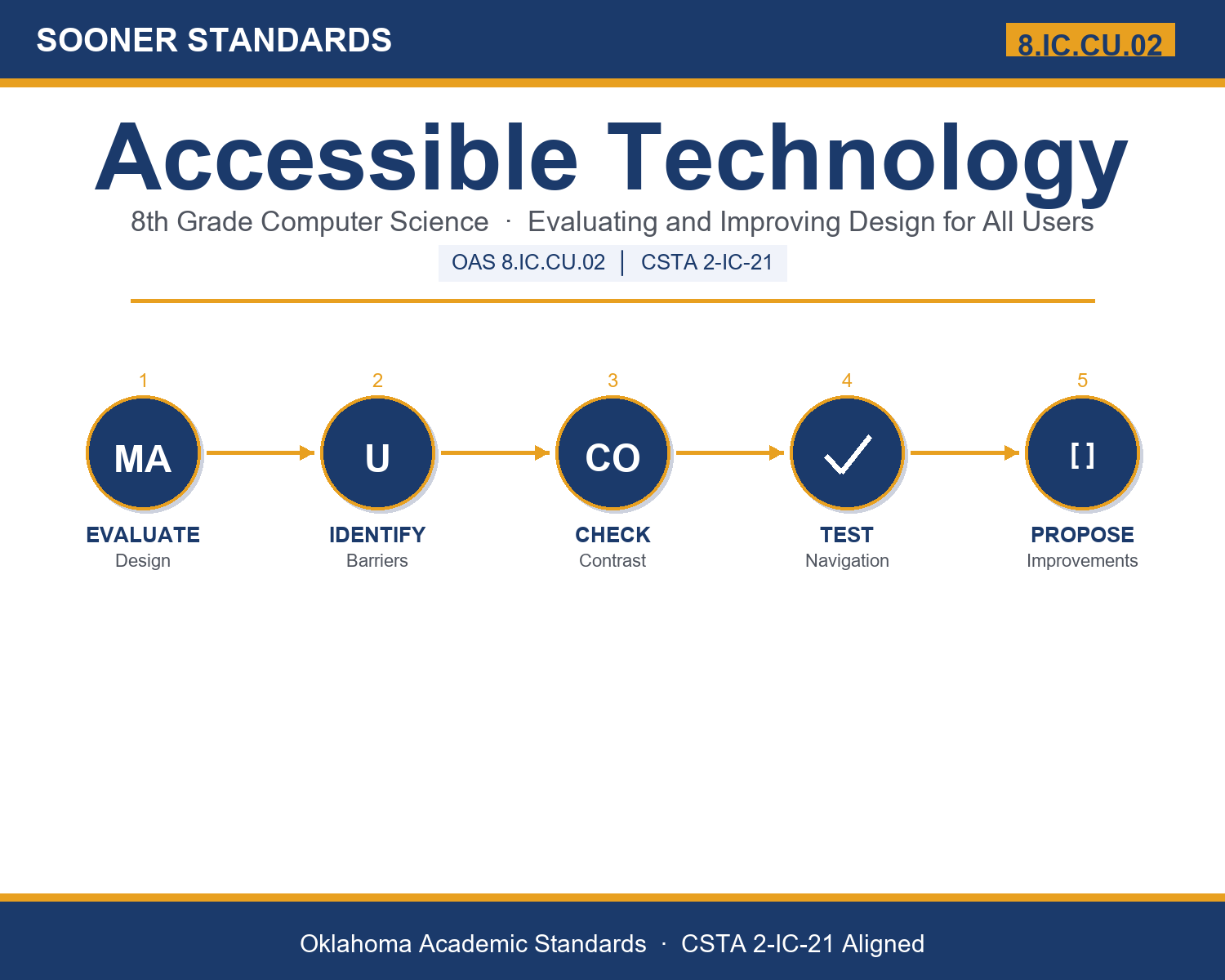
Evaluate and improve the design of existing technologies to meet the needs of different users and increase accessibility and usability. — Oklahoma Academic Standards for Computer Science (February 2023)
In plain language: students need to look at technology already in use and ask who it might be excluding — then propose real, specific improvements that make it work for more people.
Key Vocabulary Students Will Learn
Accessibility, Usability, Inclusive, Interface, Assistive, Disability, Caption, Contrast, Navigation, Universal, Accommodation, Feedback, Evaluation
These thirteen terms are the working vocabulary of inclusive design — the words used any time a real product team is deciding whether their technology genuinely works for everyone.
What's Inside the Lesson
The content reading opens with a direct claim: technology is designed to help people accomplish tasks, but not all technology is designed with all people in mind. Accessibility is defined as how well a product, website, or application can be used by people with a wide range of abilities — including visual, hearing, motor, or cognitive disabilities. The reading is explicit about the cost of getting this wrong: when designers fail to consider accessibility, they unintentionally exclude large groups of users from fully benefiting from their products.
Discussion Starters You Can Use Tomorrow
- Think of an app or website you use. Can you picture how someone with a visual or motor disability might experience it differently than you do?
- Why might adding captions to a video help more than just people who are deaf or hard of hearing?
- If you were redesigning one everyday piece of technology to be more accessible, what's one specific change you'd make?
Where This Leads
Students who can evaluate and improve technology for accessibility are building a skill that matters across every design and engineering career — the discipline of designing for the full range of real users, not just for people like themselves.
See the Unit in Action
Get the Complete 8.IC.CU.02 Unit
I built a complete, no-prep unit for this standard — Accessible Technology: Evaluating and Improving Design for All Users — across 22 ready-to-print pages:
- Vocabulary reference — all 13 terms with definitions and real-world examples
- Full content reading with embedded comprehension checkpoints
- 10-question assessment (6 multiple choice, 4 true/false) with a complete answer key and explanations
- Group activity — "Accessibility Audit: Evaluate and Improve a Real Product"
- Individual activity — "Redesign for Accessibility: Propose an Improvement"
- Crossword and word search built from all 13 vocabulary terms (with answer keys)
- Standards alignment verification page
- Accessibility Audit Worksheet (separate printable)
- Accessibility Reference Sheet (separate printable)
Get Accessible Technology on Teachers Pay Teachers →
Every Sooner Standards resource is built directly from the official Oklahoma Academic Standards for Computer Science (February 2023) — standard text taken directly from the source document.