Teaching Show Your Work in Grade 5: Oklahoma Standard 5.AP.PD.04
Teaching Show Your Work in Grade 5: Oklahoma Standard 5.AP.PD.04
Teaching explaining code in grade 5 does not have to be complicated. Picture software teams filling code with comments so teammates worldwide can build on each other's work. That kind of thinking is exactly what Oklahoma's grade 5 computer science standard 5.AP.PD.04 asks students to practice — and it is very teachable with the right materials. This post walks through what the standard means, the misconceptions students bring to it, and discussion starters you can use tomorrow, whether you teach in a classroom or at your kitchen table.
What Does Standard 5.AP.PD.04 Actually Ask?
Communicate and explain program development choices using comments, presentations, and demonstrations. — Oklahoma Academic Standards for Computer Science (February 2023)
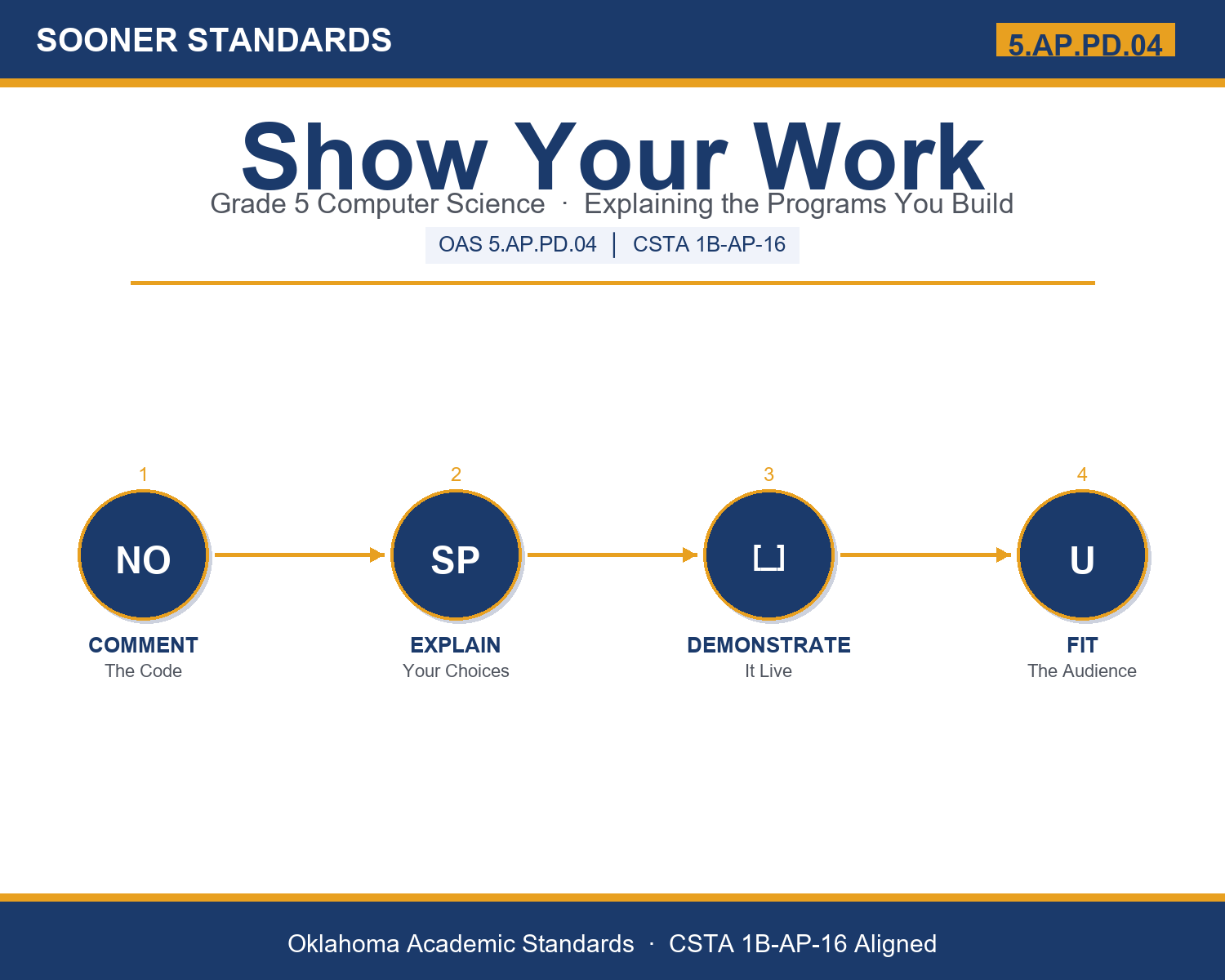
In plain language: Oklahoma's standard asks fifth graders to communicate and explain the choices they made while building a program, using three tools: comments written inside the code, spoken presentations, and live demonstrations.
In student-friendly terms, the learning target is: "I can communicate and explain the choices I made while building a program, using clear comments, a spoken presentation, and a live demonstration suited to my audience."
What Students Should Be Able to Do
- I can write clear comments that explain the why behind my code.
- I can name my development choices and give a reason for each one.
- I can plan a presentation and a demonstration that show how my program works.
- I can adjust my explanation to fit my audience.
Along the way, students pick up the working vocabulary of the topic: label, communicate, clear, present, explain, program, reason, comment, demonstrate, audience, choice, document.
Explaining Code: Misconceptions to Watch For
These are the wrong turns students reliably take with this standard — knowing them ahead of time is half the lesson plan. Each correction strategy below comes straight from the unit's teacher guide (the paragraph and activity references point into the unit itself).
1. "Comments are instructions the computer runs as part of the program."
Return to paragraph 2: the computer ignores comments; they are notes for people. Demo by showing a program runs identically with or without a comment.
2. "A good comment just restates what the code does."
Paragraph 3: strong comments explain the why behind a choice, the part readers cannot see in the code. Compare 'add one to score' versus 'add one to score when the player catches an apple.'
3. "Explaining a program is separate from, and less important than, building it."
Paragraphs 6 and 8: communication is part of building well; explaining forces clear thinking and often reveals bugs or better methods. It is highly valued in every workplace.
4. "You explain a program the same way to everyone."
Paragraph 7: adjust words and depth to the audience. Have students explain the same program to a kindergartner versus an engineer to feel the difference.
Discussion Starters You Can Use Tomorrow
- Why do you think code is 'read more often than it is written'? Who might read your code later?
- Have you ever come back to something you made and forgotten how it worked? How would a comment have helped?
- What is the difference between telling someone your game is fun and demonstrating that it is fun?
Bringing It Home
This topic is a natural one for families. One ten-minute activity to try: Have your child 'present and demonstrate' something they made or know well, a game, a drawing app, a LEGO build, anything. Ask them to explain two choices they made and the reason for each, then have them explain it again as if you were a little kid. Notice how they change their words for a different audience.
Where This Leads
Students who can communicate and explain the choices I made while building a program, using clear comments, a spoken presentation, and a live demonstration suited to my audience are building skills used every day in software development, technical writing, engineering, product management, and teaching.
Part of the Complete Grade 5 Computer Science Curriculum
This lesson covers just one standard. It is part of a complete grade 5 computer science curriculum aligned to every Oklahoma OAS CS standard. See the full listing — every standard, organized by strand — here: Grade 5 Computer Science Curriculum: Every Oklahoma OAS CS Standard.
See the Unit in Action
Get the Complete 5.AP.PD.04 Unit
I built a complete, no-prep unit for this standard — Show Your Work: Explaining the Programs You Build — covering 3-4 days of instruction across 40 pages:
- Teacher guide — day-by-day pacing, misconceptions to watch for, discussion questions, differentiation for support / ELL / extension, and a 4-point rubric
- Student learning target page — a kid-friendly "I can" statement with success criteria
- Full content lesson with 3 embedded "Check Your Understanding" checkpoints
- 12-question assessment (6 multiple choice, 4 true/false, 2 short answer) with a complete answer key, explanations, and exemplar responses
- Group activity — "Pitch It: Comment, Present, and Demonstrate" (25-30 minutes)
- Individual activity — "My Code Explainer" (15-20 minutes)
- Crossword and word search built from all 12 vocabulary terms (with answer keys)
- Family connection letter — a plain-language page for parents, with dinner-table questions and a 10-minute home activity
- Certificate of achievement — ready to sign and send home
- Program Pitch Cards (separate printable, 2 pages)
- Communicating Your Code Reference Sheet (separate printable, 2 pages)
- My Code Explainer (separate printable, 1 page)
Get Show Your Work on Teachers Pay Teachers →
Also compared with CSTA 2026 E5-PRO-RD-07 (strong match) and CSTA 2017 1B-AP-17
Every Sooner Standards resource is built directly from the official Oklahoma Academic Standards for Computer Science (February 2023) — standard text taken directly from the source document.