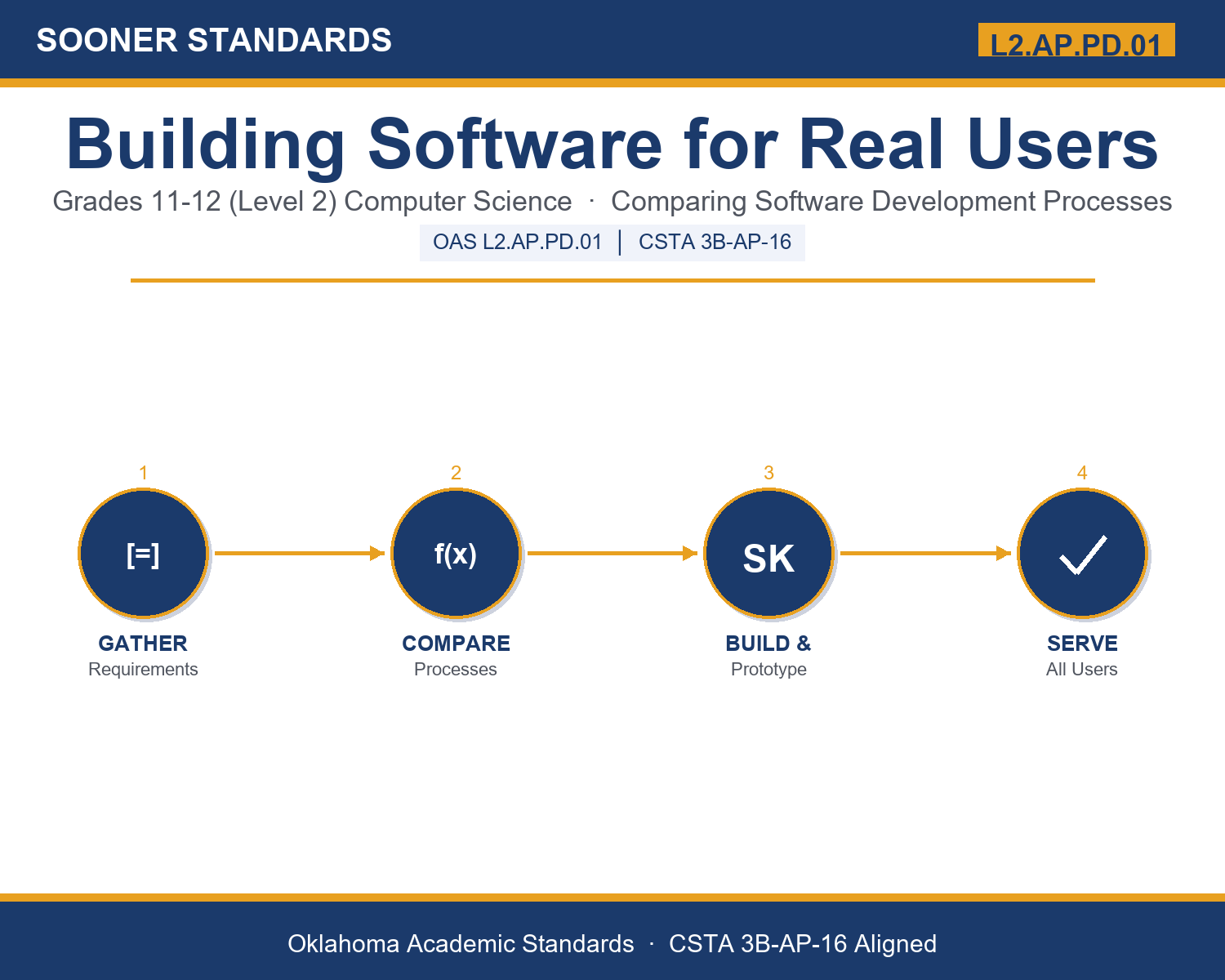
Teaching Building Software for Real Users in Grades 11-12 (Level 2): Oklahoma Standard L2.AP.PD.01
Teaching Building Software for Real Users in Grades 11-12 (Level 2): Oklahoma Standard L2.AP.PD.01
Teaching software development process in grades 11-12 (level 2) does not have to be complicated. Picture a startup choosing Agile sprints because its users' needs are expected to change fast. That kind of thinking is exactly what Oklahoma's grades 11-12 (level 2) computer science standard L2.AP.PD.01 asks students to practice — and it is very teachable with the right materials. This post walks through what the standard means, the misconceptions students bring to it, and discussion starters you can use tomorrow, whether you teach in a classroom or at your kitchen table.
What Does Standard L2.AP.PD.01 Actually Ask?
Create software that will provide solutions to a variety of users using multiple software development processes. — Oklahoma Academic Standards for Computer Science (February 2023)
In plain language: This standard asks students to compare more than one way of building software (such as planning everything up front versus building and checking in short repeating cycles) and to choose the approach that best serves a project's requirements and the different kinds of people who will use it.
In student-friendly terms, the learning target is: "I can compare multiple software development processes and select the one that best creates a solution for a variety of users, explaining my reasoning using development vocabulary."
What Students Should Be Able to Do
- I can describe the phases and logic of Waterfall, Agile/Scrum, and prototyping.
- I can match a project's requirements, timeline, and users to the development process that best fits it.
- I can identify multiple distinct groups of users a piece of software must serve and explain how their needs differ.
- I can explain how requirements, testing, and iteration change depending on which process a team uses.
Along the way, students pick up the working vocabulary of the topic: requirements, stakeholder, waterfall, agile, sprint, scrum, backlog, prototype, iteration, testing, deployment, maintenance, usability.
Software Development Process: Misconceptions to Watch For
These are the wrong turns students reliably take with this standard — knowing them ahead of time is half the lesson plan. Each correction strategy below comes straight from the unit's teacher guide (the paragraph and activity references point into the unit itself).
1. "One development process is simply better than the others in every situation."
Return to paragraph 8's decision reasoning. Have students name a project where Waterfall clearly outperforms Agile and one where the reverse is true — the right process depends on requirements stability, timeline, and users, never on popularity alone.
2. "Agile means having no plan or no requirements at all."
Point to the backlog and sprint structure in paragraph 3. Agile still plans carefully; it simply revisits and adjusts that plan every sprint instead of locking it in once at the start.
3. "A prototype is basically the same thing as the finished software, just with a different name."
Emphasize paragraph 5's definition: a prototype is often intentionally incomplete, built specifically to gather feedback before committing to full implementation, not a deployable product.
4. "Designing for 'users' means designing for one typical, average person."
Return to the screen reader / keyboard-only example in paragraph 8. A variety of users means genuinely distinct groups with different needs, each deserving its own requirements and testing.
Discussion Starters You Can Use Tomorrow
- If you were building an app for a client with a fixed budget and a hard deadline, which process would you pick, and what would worry you most about that choice?
- Why might a company switch from Waterfall to Agile after their first Waterfall project ran badly over budget?
- Describe a real product you use where you can tell the team gathers continuous feedback (Agile-style) versus one that seems to have been planned once and rarely changed (Waterfall-style).
Bringing It Home
This topic is a natural one for families. One ten-minute activity to try: Together, pick a project your family has done or could do (planning a trip, organizing a garage sale, building something). Ask your student whether it would work better to plan every detail up front or to plan a little, try it, and adjust — and why. There are no wrong answers; the goal is hearing their reasoning.
Where This Leads
Students who can compare multiple software development processes and select the one that best creates a solution for a variety of users, explaining my reasoning using development vocabulary are building skills used every day in software engineering, product management, quality assurance, UX design, and project management.
See the Unit in Action
Get the Complete L2.AP.PD.01 Unit
I built a complete, no-prep unit for this standard — Building Software for Real Users: Comparing Development Processes — covering 3-4 days of instruction across 41 pages:
- Teacher guide — day-by-day pacing, misconceptions to watch for, discussion questions, differentiation for support / ELL / extension, and a 4-point rubric
- Student learning target page — a kid-friendly "I can" statement with success criteria
- Full content lesson with 3 embedded "Check Your Understanding" checkpoints
- 12-question assessment (6 multiple choice, 4 true/false, 2 short answer) with a complete answer key, explanations, and exemplar responses
- Group activity — "Pick the Process: Client Case Studies" (20-30 minutes)
- Individual activity — "My Process Plan Worksheet" (15-20 minutes)
- Crossword and word search built from all 13 vocabulary terms (with answer keys)
- Family connection letter — a plain-language page for parents, with dinner-table questions and a 10-minute home activity
- Certificate of achievement — ready to sign and send home
- Case Study Card Set: Pick the Process (separate printable, 2 pages)
- Reference Notes: Software Development Processes (separate printable, 2 pages)
- My Process Plan Worksheet (separate printable, 2 pages)
Get Building Software for Real Users on Teachers Pay Teachers →
Also compared with CSTA 2017 3B-AP-17
Every Sooner Standards resource is built directly from the official Oklahoma Academic Standards for Computer Science (February 2023) — standard text taken directly from the source document.