Teaching Bits, Bytes & Binary in Grade 5: Oklahoma Standard 5.CS.HS.01
Teaching binary numbers in grade 5 does not require a single computer.
Teaching Bits, Bytes & Binary in Grade 5: Oklahoma Standard 5.CS.HS.01
Picture a keyboard encoding the letter A as the number 65 and sending it to software as the bits 01000001. That kind of thinking is exactly what Oklahoma's grade 5 computer science standard 5.CS.HS.01 asks students to practice — and it is very teachable with the right materials. This post walks through what the standard means, the misconceptions students bring to it, and discussion starters you can use tomorrow, whether you teach in a classroom or at your kitchen table.
What Does Standard 5.CS.HS.01 Actually Ask?
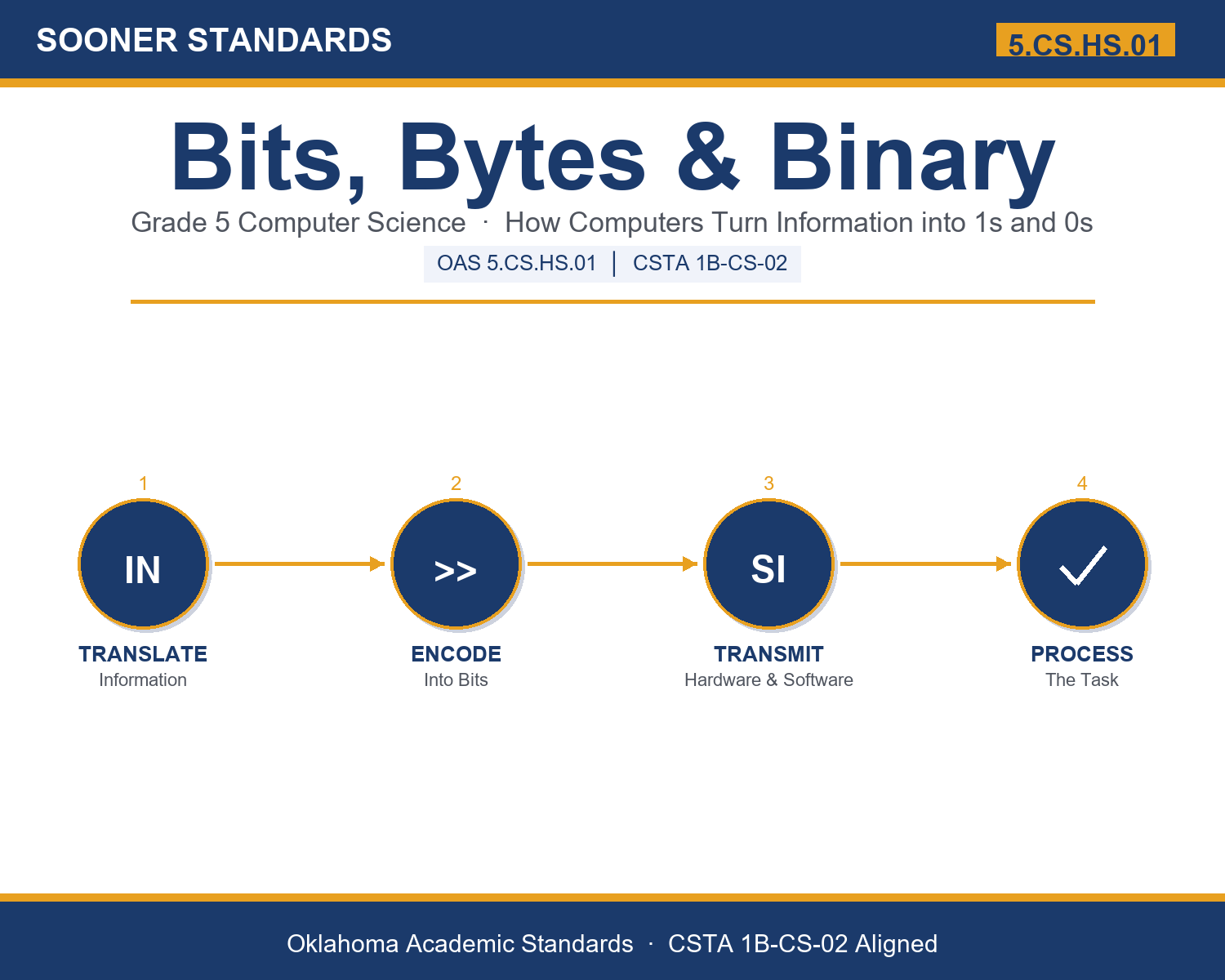
Model that information is translated into bits to transmit and process between hardware and software to accomplish tasks. — Oklahoma Academic Standards for Computer Science (February 2023)
In plain language: Oklahoma's standard asks fifth graders to show how information is turned into bits (on/off signals) and how those bits move between the physical parts of a computer and its programs to get a task done.
In student-friendly terms, the learning target is: "I can model how information is translated into bits, and I can explain how those bits move between hardware and software to accomplish a task."
What Students Should Be Able to Do
- I can explain what a bit is and why computers use only two values.
- I can turn a whole number into bits using binary place values.
- I can explain how letters and images are encoded as bits.
- I can describe how bits are transmitted and processed between hardware and software.
Along the way, students pick up the working vocabulary of the topic: signal, transmit, encode, switch, pixel, hardware, storage, number, decode, pattern, letter, binary.
Binary Numbers: Misconceptions to Watch For
These are the wrong turns students reliably take with this standard — knowing them ahead of time is half the lesson plan. Each correction strategy below comes straight from the unit's teacher guide (the paragraph and activity references point into the unit itself).
1. "A bit can hold any number, like 7 or 100."
Return to the switch idea in paragraph 2: one bit is a single on/off value, so it can only be 1 or 0. Larger numbers need several bits combined into a pattern — show it with the dot cards.
2. "Computers understand letters and pictures directly, the way people do."
Use paragraphs 5-6: the computer only ever handles bits. Letters get a number first, and images are stored pixel by pixel. Software has to decode the bits before anything is readable.
3. "Binary is a secret code that only experts can read."
Do a quick Count the Dots round together. Once students see the doubling place values (1, 2, 4, 8, 16), most can convert small numbers in a minute — it is a system, not a secret.
4. "Storing information and sending it are the same thing."
Separate the two halves of the standard in paragraph 7: storing keeps bits in one place, while transmitting moves them as signals between hardware and software. Both must happen to accomplish a task.
Discussion Starters You Can Use Tomorrow
- Why is it easier and more reliable for hardware to work with two states (on/off) than with ten?
- How is Morse code, or blinking a flashlight, similar to how computers use bits?
- The same pattern of bits can mean a number OR a letter. How does the computer know which one it is?
Bringing It Home
This topic is a natural one for families. One ten-minute activity to try: Play 'flashlight binary' for ten minutes. Pick five small objects to be the cards worth 16, 8, 4, 2, and 1. Call out a number and have your child turn objects face up (on) so the values add to it, then read back the pattern of ons and offs. There are no wrong answers — the goal is hearing their reasoning.
Where This Leads
Students who can model how information is translated into bits, and explain how those bits move between hardware and software to accomplish a task are building skills used every day in software development, network technology, digital art and animation, data science, and cybersecurity.
See the Unit in Action
Part of the Complete Grade 5 Computer Science Curriculum
This lesson covers just one standard. It is part of a complete grade 5 computer science curriculum aligned to every Oklahoma OAS CS standard. See the full listing — every standard, organized by strand — here: Grade 5 Computer Science Curriculum: Every Oklahoma OAS CS Standard.
Get the Complete 5.CS.HS.01 Unit
I built a complete, no-prep unit for this standard — Bits, Bytes & Binary: How Computers Store Information — covering 3-4 days of instruction across 41 pages:
- Teacher guide — day-by-day pacing, misconceptions to watch for, discussion questions, differentiation for support / ELL / extension, and a 4-point rubric
- Student learning target page — a kid-friendly "I can" statement with success criteria
- Full content lesson with 3 embedded "Check Your Understanding" checkpoints
- 13-question assessment (6 multiple choice, 4 true/false, 3 short answer) with a complete answer key, explanations, and exemplar responses
- Group activity — "Count the Dots: Build the Number" (20-30 minutes)
- Individual activity — "Write Your Name in Binary" (15-20 minutes)
- Crossword and word search built from all 12 vocabulary terms (with answer keys)
- Family connection letter — a plain-language page for parents, with dinner-table questions and a 10-minute home activity
- Certificate of achievement — ready to sign and send home
- Binary Reference: Bits, Numbers & Letters (separate printable, 2 pages)
- Count the Dots: Build the Number (separate printable, 2 pages)
- Write Your Name in Binary (separate printable, 1 page)
Get Bits, Bytes & Binary on Teachers Pay Teachers →
Also compared with CSTA 2017 1B-CS-02
Every Sooner Standards resource is built directly from the official Oklahoma Academic Standards for Computer Science (February 2023) — standard text taken directly from the source document.