Teaching Locking It Down: Device & Data Protection in Grades 11-12 (Level 2): Oklahoma Standard L2.NI.CY.01
Teaching Locking It Down: Device & Data Protection in Grades 11-12 (Level 2): Oklahoma Standard L2.NI.CY.01
Teaching device and data security in grades 11-12 (level 2) does not have to be complicated. Picture a cybersecurity analyst comparing an organization's authentication and encryption practices against current threats and recommending refinements. That kind of thinking is exactly what Oklahoma's grades 11-12 (level 2) computer science standard L2.NI.CY.01 asks students to practice — and it is very teachable with the right materials. This post walks through what the standard means, the misconceptions students bring to it, and discussion starters you can use tomorrow, whether you teach in a classroom or at your kitchen table.
What Does Standard L2.NI.CY.01 Actually Ask?
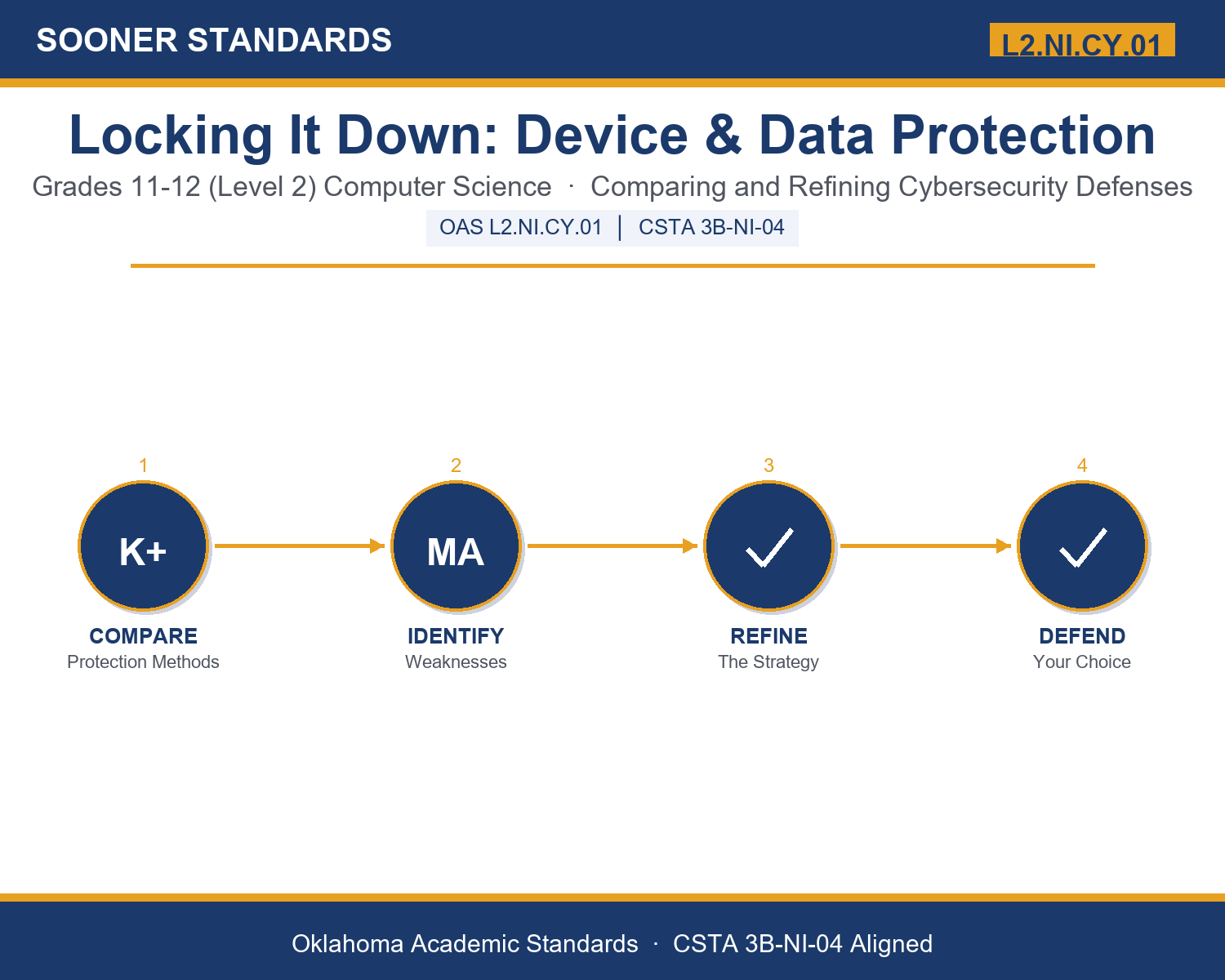
Compare and refine ways in which software developers protect devices and information from unauthorized access. — Oklahoma Academic Standards for Computer Science (February 2023)
In plain language: This standard asks students to compare different ways of keeping devices and information safe from unauthorized access, and to suggest specific improvements when they spot a weakness in how something is protected.
In student-friendly terms, the learning target is: "I can compare different ways software developers protect devices and information from unauthorized access, and I can propose a specific, justified refinement to close an identified weakness in a security strategy."
What Students Should Be Able to Do
- I can explain what authentication, encryption, patching, and least privilege each protect against and how.
- I can compare two protection methods and explain the trade-off between them.
- I can identify a weakness in a given security scenario.
- I can propose a specific refinement that would close an identified weakness and explain what it costs in convenience or resources.
Along the way, students pick up the working vocabulary of the topic: authentication, encryption, firewall, patch, vulnerability, malware, phishing, biometric, sandbox, endpoint, privilege, redundancy, mitigation, threat.
Device And Data Security: Misconceptions to Watch For
These are the wrong turns students reliably take with this standard — knowing them ahead of time is half the lesson plan. Each correction strategy below comes straight from the unit's teacher guide (the paragraph and activity references point into the unit itself).
1. "A strong password alone is enough to fully protect an account."
Return to paragraph 2's discussion of multi-factor authentication. Have students list what a strong password cannot protect against (a password being reused elsewhere, a phishing attack, a leaked database) and identify what a second factor adds.
2. "If a system is encrypted, it is automatically completely safe from every kind of attack."
Return to paragraph 3's distinction between encryption in transit and at rest, and paragraph 7's discussion of phishing. Have students identify at least one attack encryption does not stop (a stolen key, a phishing attack that tricks a user into revealing the key).
3. "Delaying a software update is safer than installing it right away because updates can break things."
Return to paragraph 4's explanation that a vulnerability becomes public knowledge once its patch is released. Have students explain, in their own words, why waiting is a real risk, not just an inconvenience, once a patch exists.
4. "Firewalls and antivirus software are enough on their own to stop any unauthorized access attempt."
Return to paragraph 5's comparison of firewalls and endpoint protection, and paragraph 6's discussion of least privilege and sandboxing. Have students identify what each layer alone would miss and why defense in depth combines several layers.
Discussion Starters You Can Use Tomorrow
- Why might a company choose a slightly less convenient security measure over a more convenient one? What is being traded away?
- If a security expert says 'best practices change over time,' what does that suggest about how you should think about memorizing today's security rules?
- Describe a situation (not necessarily about computers) where having a backup plan (redundancy) saved someone from a bigger problem.
Bringing It Home
This topic is a natural one for families. One ten-minute activity to try: Together, look at the security settings on one shared family device or account (with a parent present) and identify what protection methods are already turned on — a passcode, a fingerprint, two-step verification. Discuss as a family whether there is one more step worth turning on, and why it might be worth the small extra effort.
Where This Leads
Students who can compare different ways software developers protect devices and information from unauthorized access, and propose a specific, justified refinement to close an identified weakness in a security strategy are building skills used every day in cybersecurity analysis, software / security engineering, penetration testing, IT systems administration, and computer science education.
See the Unit in Action
Get the Complete L2.NI.CY.01 Unit
I built a complete, no-prep unit for this standard — Locking It Down: How Developers Protect Devices and Data — covering 3-4 days of instruction across 43 pages:
- Teacher guide — day-by-day pacing, misconceptions to watch for, discussion questions, differentiation for support / ELL / extension, and a 4-point rubric
- Student learning target page — a kid-friendly "I can" statement with success criteria
- Full content lesson with 3 embedded "Check Your Understanding" checkpoints
- 12-question assessment (6 multiple choice, 4 true/false, 2 short answer) with a complete answer key, explanations, and exemplar responses
- Group activity — "Compare and Defend: Device Security Scenarios" (25-30 minutes)
- Individual activity — "My Security Audit" (20-25 minutes)
- Crossword and word search built from all 14 vocabulary terms (with answer keys)
- Family connection letter — a plain-language page for parents, with dinner-table questions and a 10-minute home activity
- Certificate of achievement — ready to sign and send home
- Scenario Card Set: Comparing and Refining Device Protection (separate printable, 2 pages)
- Reference Notes: Comparing and Refining Device Protection (separate printable, 2 pages)
- My Security Audit (separate printable, 2 pages)
Get Locking It Down: Device & Data Protection on Teachers Pay Teachers →
Also compared with CSTA 2017 3B-NI-04
Every Sooner Standards resource is built directly from the official Oklahoma Academic Standards for Computer Science (February 2023) — standard text taken directly from the source document.