Teaching Computing Changes the World in Grade 5: Oklahoma Standard 5.IC.CU.01
Teaching Computing Changes the World in Grade 5: Oklahoma Standard 5.IC.CU.01
Teaching impacts of computing in grade 5 does not have to be complicated. Picture a child video calling a grandparent across the world in real time. That kind of thinking is exactly what Oklahoma's grade 5 computer science standard 5.IC.CU.01 asks students to practice — and it is very teachable with the right materials. This post walks through what the standard means, the misconceptions students bring to it, and discussion starters you can use tomorrow, whether you teach in a classroom or at your kitchen table.
What Does Standard 5.IC.CU.01 Actually Ask?
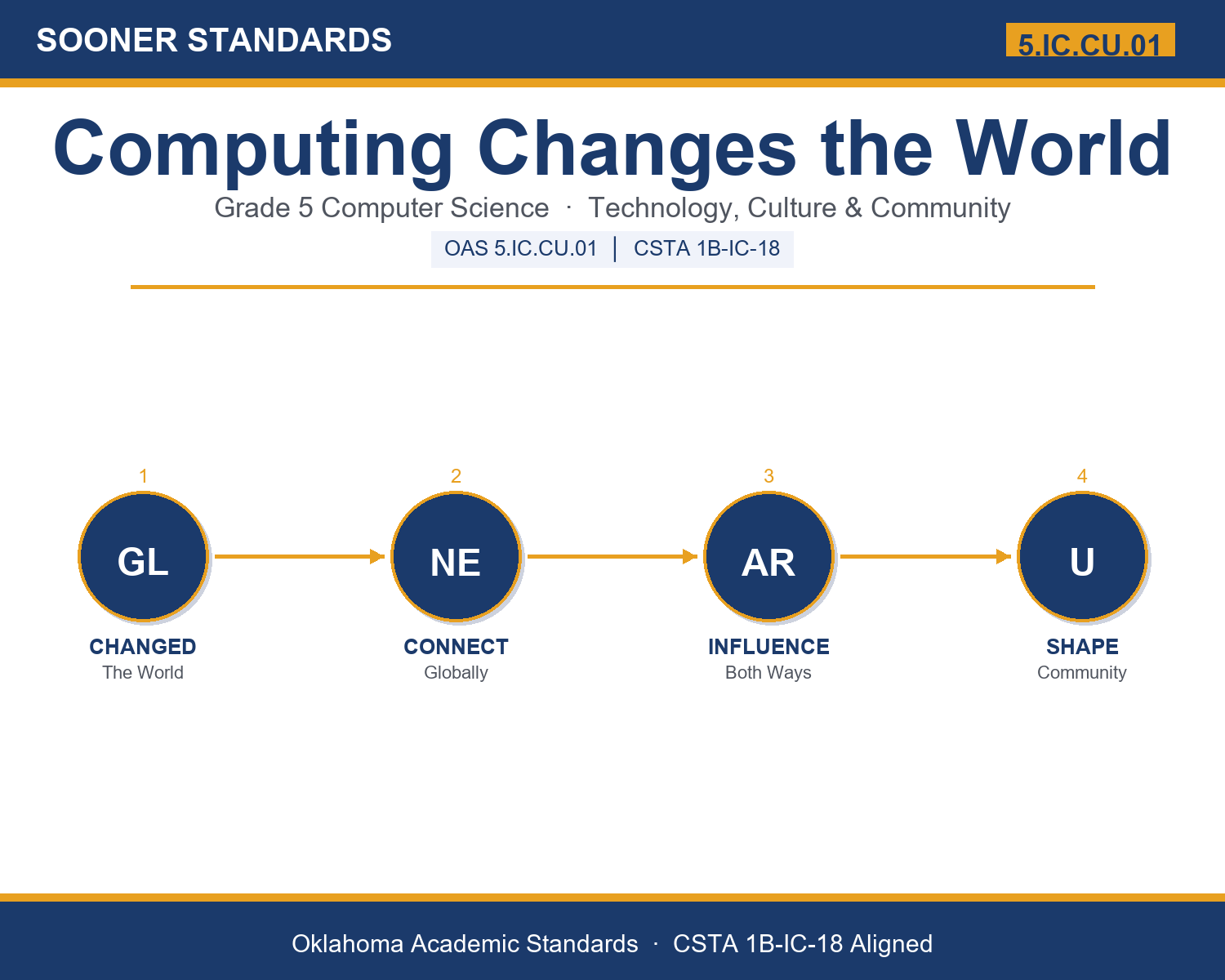
Give examples and explain how computing technologies have changed the world, and express how computing technologies influence and are influenced by cultural practices within your community. — Oklahoma Academic Standards for Computer Science (February 2023)
In plain language: Oklahoma's standard asks fifth graders to give examples of how computers and devices have changed the world, and to explain how technology both changes our community's culture and is shaped by our community's traditions and values.
In student-friendly terms, the learning target is: "I can give examples of how computing technologies have changed the world and explain how technology and culture influence each other within my community."
What Students Should Be Able to Do
- I can give examples of how computing changed communication, learning, health, and work.
- I can explain how technology influences culture and how culture shapes technology.
- I can describe an example of computing and culture from my own community.
- I can explain why unequal access to technology matters.
Along the way, students pick up the working vocabulary of the topic: tradition, internet, society, global, impact, access, influence, community, device, culture, technology, digital.
Impacts Of Computing: Misconceptions to Watch For
These are the wrong turns students reliably take with this standard — knowing them ahead of time is half the lesson plan. Each correction strategy below comes straight from the unit's teacher guide (the paragraph and activity references point into the unit itself).
1. "Technology only affects culture; culture has no effect on technology."
Return to paragraphs 5-6: the influence goes both ways. Have students name a tool that exists because a culture valued something (translation apps, video calls, language-preservation apps).
2. "Everyone has the same access to computers and the internet."
Paragraph 3 introduces unequal access. Discuss real barriers (cost, rural internet) and why communities work to close the gap so benefits reach everyone.
3. "Computing technology is only about machines, not people."
Paragraphs 7-8: technology is built by people, used by people, and woven into culture. Every design choice affects real communities and traditions.
4. "All the changes computing brought to the world are simply good, with no challenges."
Paragraphs 2-3: changes bring new questions too, like screen time, online safety, and unequal access. Impact can be positive while still raising challenges communities must address.
Discussion Starters You Can Use Tomorrow
- What is one way your family uses technology that your grandparents could not have used as kids?
- Can you think of a tradition your family or community keeps alive using technology, like video calls or shared photos?
- Why might two communities use the same technology in different ways?
Bringing It Home
This topic is a natural one for families. One ten-minute activity to try: Share a story with your child about life before smartphones or the internet, what was different about communicating, learning, or working. Then talk together about one way your family uses technology to keep a tradition alive, like video calls, shared photos, or music. Help your child notice the two-way connection between technology and your family's culture.
Where This Leads
Students who can give examples of how computing technologies have changed the world and explain how technology and culture influence each other within my community are building skills used every day in technology design, education, community leadership, digital media, and public policy.
Part of the Complete Grade 5 Computer Science Curriculum
This lesson covers just one standard. It is part of a complete grade 5 computer science curriculum aligned to every Oklahoma OAS CS standard. See the full listing — every standard, organized by strand — here: Grade 5 Computer Science Curriculum: Every Oklahoma OAS CS Standard.
See the Unit in Action
Get the Complete 5.IC.CU.01 Unit
I built a complete, no-prep unit for this standard — Computing Changes the World: Technology, Culture, and Community — covering 3-4 days of instruction across 41 pages:
- Teacher guide — day-by-day pacing, misconceptions to watch for, discussion questions, differentiation for support / ELL / extension, and a 4-point rubric
- Student learning target page — a kid-friendly "I can" statement with success criteria
- Full content lesson with 3 embedded "Check Your Understanding" checkpoints
- 12-question assessment (6 multiple choice, 4 true/false, 2 short answer) with a complete answer key, explanations, and exemplar responses
- Group activity — "Tech and Culture in Our Community" (25-30 minutes)
- Individual activity — "My Community Tech Story" (15-20 minutes)
- Crossword and word search built from all 12 vocabulary terms (with answer keys)
- Family connection letter — a plain-language page for parents, with dinner-table questions and a 10-minute home activity
- Certificate of achievement — ready to sign and send home
- Community Example Cards (separate printable, 1 page)
- Computing and Culture Reference Sheet (separate printable, 2 pages)
- My Community Tech Story (separate printable, 1 page)
Get Computing Changes the World on Teachers Pay Teachers →
Also compared with CSTA 2026 E5-SYS-IM-15 (strong match) and CSTA 2017 1B-IC-18
Every Sooner Standards resource is built directly from the official Oklahoma Academic Standards for Computer Science (February 2023) — standard text taken directly from the source document.