Teaching When One Problem Touches Everything in Grade 7: Oklahoma Standard 7.CS.T.01
Teaching When One Problem Touches Everything in Grade 7: Oklahoma Standard 7.CS.T.01
Teaching troubleshooting connected systems in grade 7 does not have to be complicated. Picture a network administrator troubleshooting complex problems spanning routers, servers, and connected devices. That kind of thinking is exactly what Oklahoma's grade 7 computer science standard 7.CS.T.01 asks students to practice — and it is very teachable with the right materials. This post walks through what the standard means, the misconceptions students bring to it, and discussion starters you can use tomorrow, whether you teach in a classroom or at your kitchen table.
What Does Standard 7.CS.T.01 Actually Ask?
Identify and resolve complex software and hardware problems with computing devices and their components utilizing strategies such as developing and analyzing flow diagrams. — Oklahoma Academic Standards for Computer Science (February 2023)
In plain language: Oklahoma's standard asks seventh graders to identify and resolve complex software and hardware problems utilizing strategies such as developing and analyzing flow diagrams.
In student-friendly terms, the learning target is: "I can identify and resolve complex software and hardware problems with computing devices and their components utilizing strategies such as developing and analyzing flow diagrams."
What Students Should Be Able to Do
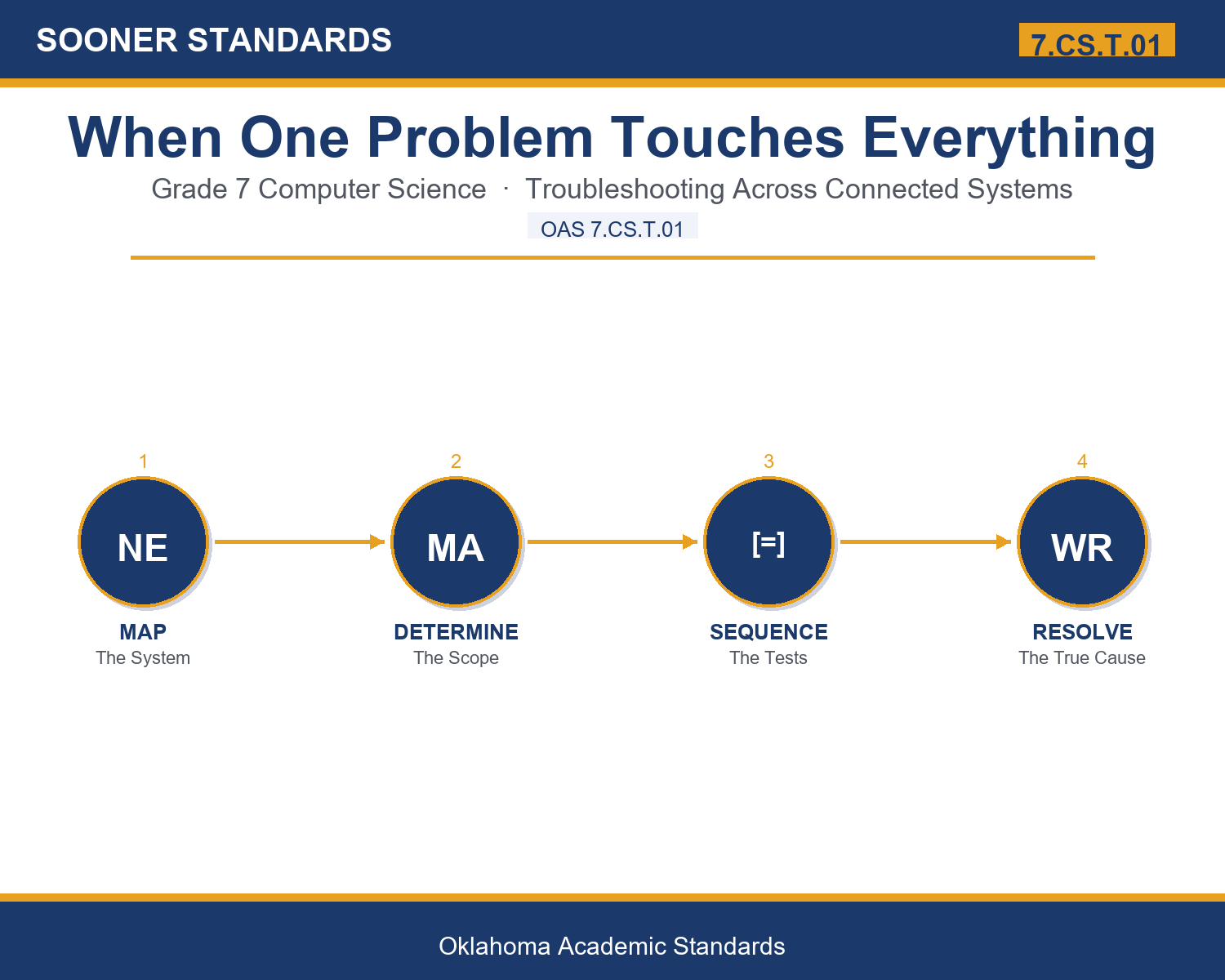
- I can clearly identify a problem spanning multiple connected components.
- I can correctly determine whether a problem affects one device or many.
- I can develop a clear, logical sequence for testing shared components and individual devices.
- I can resolve a connected-system problem by correctly identifying its true source.
Along the way, students pick up the working vocabulary of the topic: system, scope, shared, isolate, sequence, interconnect, bottleneck, propagate, dependency, diagnose, resolve, complex.
Troubleshooting Connected Systems: Misconceptions to Watch For
These are the wrong turns students reliably take with this standard — knowing them ahead of time is half the lesson plan. Each correction strategy below comes straight from the unit's teacher guide (the paragraph and activity references point into the unit itself).
1. "A problem's cause is always located in the exact device showing the symptom."
Use paragraph 1's key point — in a connected system, the actual cause might be located somewhere else entirely within the larger system.
2. "Determining a problem's scope isn't really necessary before starting to troubleshoot."
Reference paragraph 2 — scope helps determine whether to focus on a shared component or an individual device, guiding the entire investigation.
3. "Troubleshooting each device separately is always faster than checking shared components first."
Point to paragraph 3 — checking a shared component first can resolve symptoms across many devices at once, saving considerable time.
4. "Symptoms appearing on different devices at the same time must always have completely separate, unrelated causes."
Clarify from paragraph 6 — a dependency relationship can mean multiple devices experience the same problem when a shared component fails.
Discussion Starters You Can Use Tomorrow
- Why do you think it's tempting to immediately blame the specific device showing a problem?
- What's an example of a shared component in a home network besides a router?
- Why might a bottleneck cause symptoms that seem completely unrelated at first?
Bringing It Home
This topic is a natural one for families. One ten-minute activity to try: Together, think about your home network's devices and how they're connected, and discuss what you would check first if every device suddenly had a slow internet connection at the same time.
Where This Leads
Students who can identify and resolve complex software and hardware problems with computing devices and their components utilizing strategies such as developing and analyzing flow diagrams are building skills used every day in network administration, systems administration, site reliability engineering, smart home technology, and computer science education.
See the Unit in Action
Get the Complete 7.CS.T.01 Unit
I built a complete, no-prep unit for this standard — Troubleshooting Problems Across Connected Systems — covering 3-4 days of instruction across 37 pages:
- Teacher guide — day-by-day pacing, misconceptions to watch for, discussion questions, differentiation for support / ELL / extension, and a 4-point rubric
- Student learning target page — a kid-friendly "I can" statement with success criteria
- Full content lesson with 3 embedded "Check Your Understanding" checkpoints
- 12-question assessment (6 multiple choice, 4 true/false, 2 short answer) with a complete answer key, explanations, and exemplar responses
- Group activity — "Diagnose the Connected System" (45-50 minutes)
- Individual activity — "Troubleshoot My Own Connected System" (40-50 minutes)
- Crossword and word search built from all 12 vocabulary terms (with answer keys)
- Family connection letter — a plain-language page for parents, with dinner-table questions and a 10-minute home activity
- Certificate of achievement — ready to sign and send home
- System Scope and Reference Materials (separate printable, 1 page)
Get When One Problem Touches Everything on Teachers Pay Teachers →
Every Sooner Standards resource is built directly from the official Oklahoma Academic Standards for Computer Science (February 2023) — standard text taken directly from the source document.