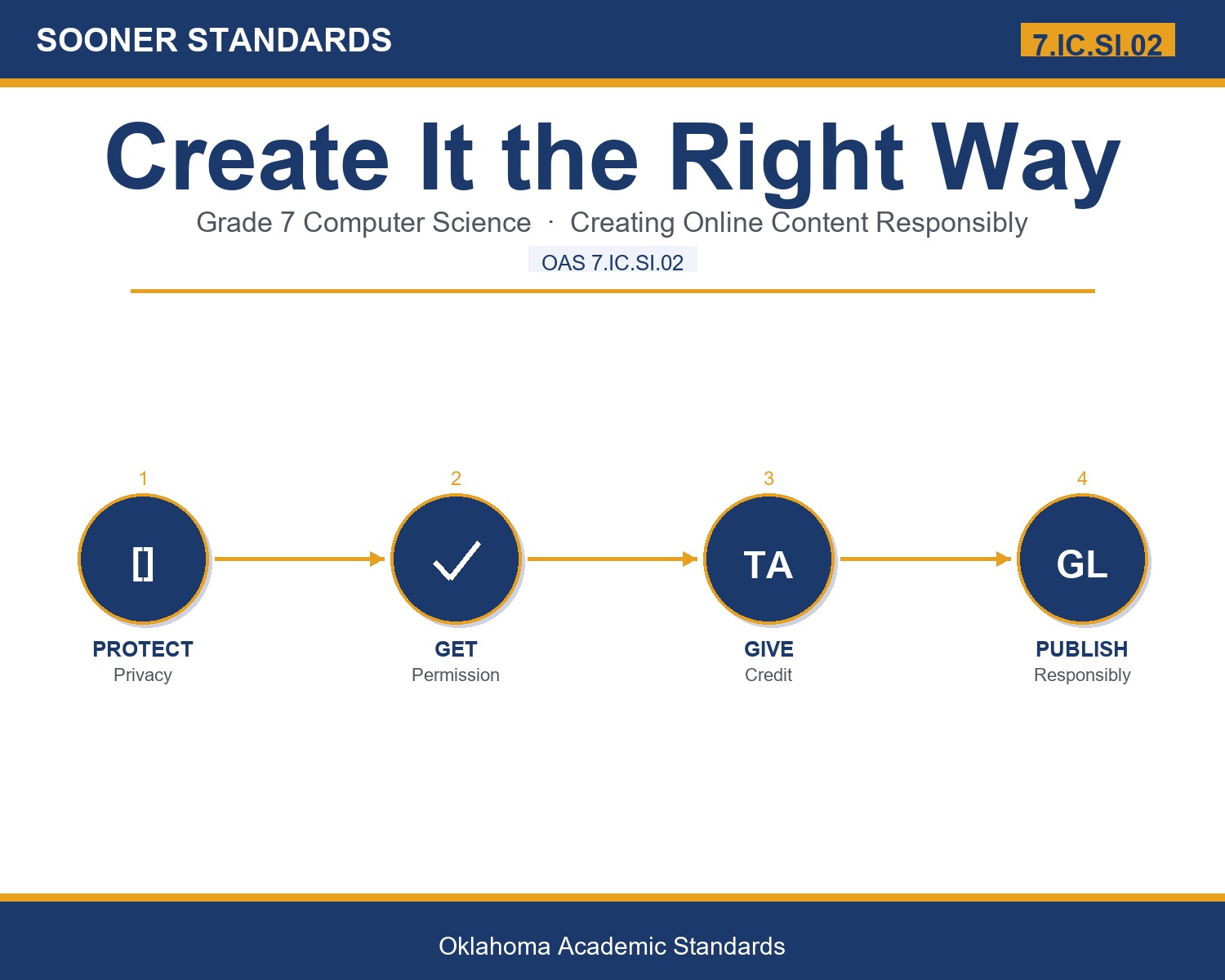
Teaching Create It the Right Way in Grade 7: Oklahoma Standard 7.IC.SI.02
Teaching Create It the Right Way in Grade 7: Oklahoma Standard 7.IC.SI.02
Teaching responsible online content creation in grade 7 does not have to be complicated. Picture a content moderator reviewing online content to ensure it follows responsible use and privacy guidelines. That kind of thinking is exactly what Oklahoma's grade 7 computer science standard 7.IC.SI.02 asks students to practice — and it is very teachable with the right materials. This post walks through what the standard means, the misconceptions students bring to it, and discussion starters you can use tomorrow, whether you teach in a classroom or at your kitchen table.
What Does Standard 7.IC.SI.02 Actually Ask?
Individually and collaboratively use advanced tools to design and create online content (e.g., digital portfolio, multimedia, blog, web page). — Oklahoma Academic Standards for Computer Science (February 2023)
In plain language: Oklahoma's standard asks seventh graders to individually and collaboratively use advanced tools to design and create online content, including doing so responsibly.
In student-friendly terms, the learning target is: "I can individually and collaboratively use advanced tools to design and create online content responsibly."
What Students Should Be Able to Do
- I can clearly identify responsible and irresponsible content creation practices.
- I can clearly explain why obtaining permission and giving credit genuinely matter.
- I can thoughtfully apply privacy considerations when planning online content.
- I can thoughtfully connect responsible creation practices to both individual and collaborative content.
Along the way, students pick up the working vocabulary of the topic: copyright, permission, attribute, royaltyfree, privacy, consent, plagiarism, license, disclose, original, citation, ethical.
Responsible Online Content Creation: Misconceptions to Watch For
These are the wrong turns students reliably take with this standard — knowing them ahead of time is half the lesson plan. Each correction strategy below comes straight from the unit's teacher guide (the paragraph and activity references point into the unit itself).
1. "Any image found online through a search engine is automatically free to use in a school project."
Use paragraph 2's key point — using someone else's image generally requires permission or a clear license allowing its use.
2. "Giving proper credit isn't necessary as long as you had permission to use someone's work."
Reference paragraph 3 — attribution remains an important, responsible practice even when permission has been granted.
3. "It's fine to share personal details like a full address in a digital portfolio since it's just for a school project."
Point to paragraph 4 — sharing sensitive personal information publicly online can genuinely create real safety risks.
4. "Posting a photo of a classmate online doesn't require their permission since it's your own photo to share."
Clarify from paragraph 5 — obtaining consent before featuring someone else respects their own genuine privacy and autonomy.
Discussion Starters You Can Use Tomorrow
- Why do you think schools have specific policies about what students can post online about classmates?
- What's an example of a responsible way to use a piece of media you didn't create yourself?
- Why might an intellectual property specialist need to carefully review content before it's published?
Bringing It Home
This topic is a natural one for families. One ten-minute activity to try: Together, look at a website or app and discuss whether it properly credits its sources or protects users' personal information.
Where This Leads
Students who can individually and collaboratively use advanced tools to design and create online content responsibly are building skills used every day in content moderation, intellectual property law, privacy compliance, digital content management, and computer science education.
See the Unit in Action
Get the Complete 7.IC.SI.02 Unit
I built a complete, no-prep unit for this standard — Creating Online Content Responsibly — covering 3-4 days of instruction across 36 pages:
- Teacher guide — day-by-day pacing, misconceptions to watch for, discussion questions, differentiation for support / ELL / extension, and a 4-point rubric
- Student learning target page — a kid-friendly "I can" statement with success criteria
- Full content lesson with 3 embedded "Check Your Understanding" checkpoints
- 12-question assessment (6 multiple choice, 4 true/false, 2 short answer) with a complete answer key, explanations, and exemplar responses
- Group activity — "Evaluate the Responsible Use Scenario" (45-50 minutes)
- Individual activity — "Create a Responsible Use Checklist" (40-50 minutes)
- Crossword and word search built from all 12 vocabulary terms (with answer keys)
- Family connection letter — a plain-language page for parents, with dinner-table questions and a 10-minute home activity
- Certificate of achievement — ready to sign and send home
- Responsible Creation Practice and Reference Materials (separate printable, 1 page)
Get Create It the Right Way on Teachers Pay Teachers →
Every Sooner Standards resource is built directly from the official Oklahoma Academic Standards for Computer Science (February 2023) — standard text verified, never paraphrased from memory.