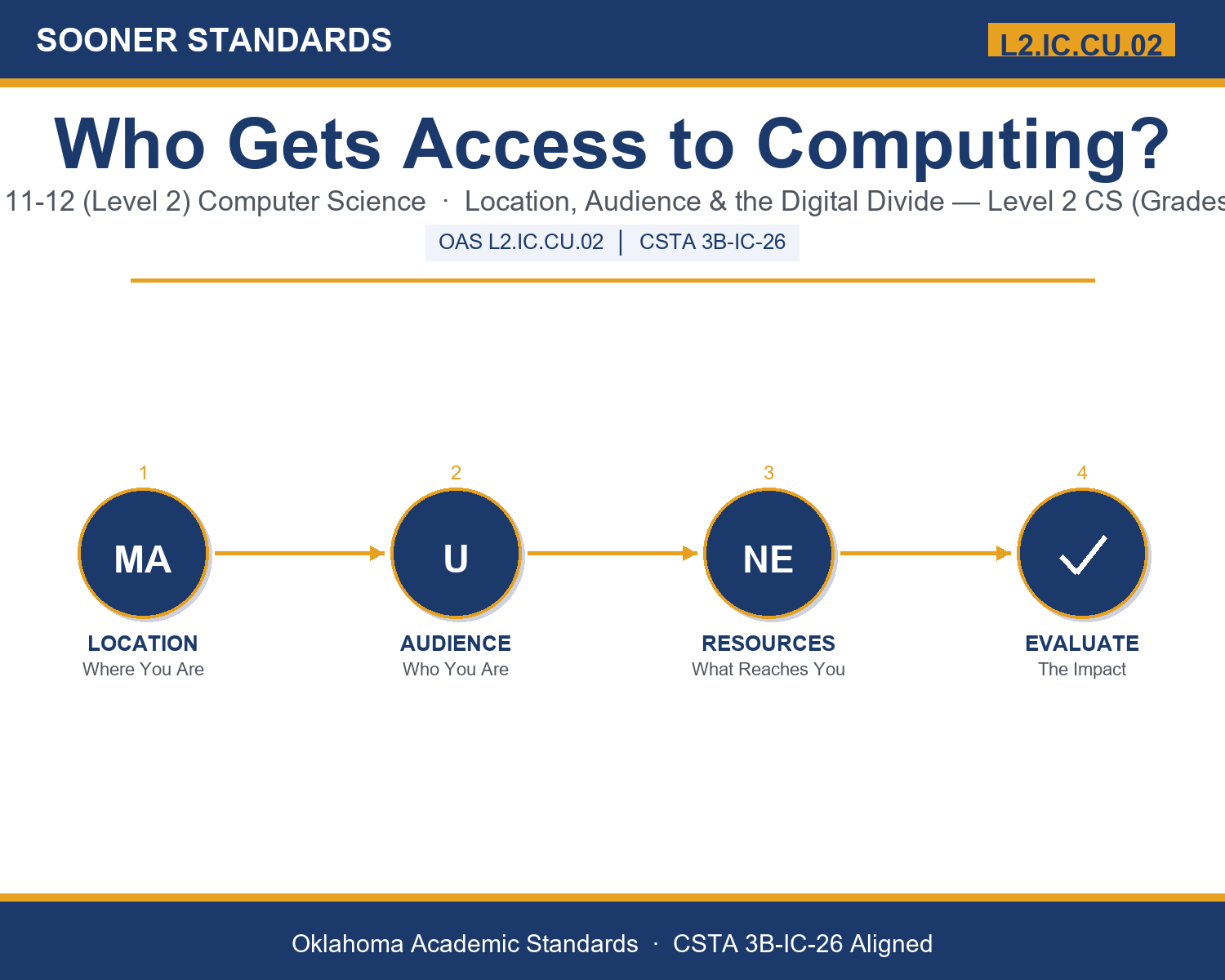
Teaching Who Gets Access to Computing? in Grades 11-12 (Level 2): Oklahoma Standard L2.IC.CU.02
Teaching Who Gets Access to Computing? in Grades 11-12 (Level 2): Oklahoma Standard L2.IC.CU.02
Teaching digital divide computing access in grades 11-12 (level 2) does not have to be complicated. Picture a network engineer comparing cable, cellular, and satellite options for a remote region. That kind of thinking is exactly what Oklahoma's grades 11-12 (level 2) computer science standard L2.IC.CU.02 asks students to practice — and it is very teachable with the right materials. This post walks through what the standard means, the misconceptions students bring to it, and discussion starters you can use tomorrow, whether you teach in a classroom or at your kitchen table.
What Does Standard L2.IC.CU.02 Actually Ask?
Evaluate the impact of location and user audience on the distribution of computing resources in a global society. — Oklahoma Academic Standards for Computer Science (February 2023)
In plain language: This standard asks students to judge how a person's location and the audience a product is built for affect who gets access to computing resources around the world, such as devices, internet connections, software, and online content.
In student-friendly terms, the learning target is: "I can evaluate the impact of location and user audience on the distribution of computing resources by identifying the factors that create gaps, judging their effects with evidence, and weighing possible responses."
What Students Should Be Able to Do
- I can explain how geography, infrastructure, cost, and regulation affect which computing resources reach a place.
- I can explain how language, age, ability, and culture determine whether a resource is usable by an audience.
- I can distinguish access, use, and outcome gaps in the digital divide.
- I can evaluate a case by using evidence, identifying who is affected, and weighing the trade-offs of a response.
Along the way, students pick up the working vocabulary of the topic: infrastructure, latency, internet, satellite, network, localization, accessibility, audience, regulation, resource, distribution, storage.
Digital Divide Computing Access: Misconceptions to Watch For
These are the wrong turns students reliably take with this standard — knowing them ahead of time is half the lesson plan. Each correction strategy below comes straight from the unit's teacher guide (the paragraph and activity references point into the unit itself).
1. "The digital divide just means some people do not have a device or internet connection."
Return to paragraph 8. Have students name the three layers (access, use, outcomes) and give an example of someone who has the first but not the second or third.
2. "The cloud is not a place, so location does not matter for cloud services."
Return to paragraph 4. Cloud services run in physical data centers that need power and cooling, are subject to local law, and are at varying distances from users, which affects latency and regulation.
3. "Localization just means translating the text into another language."
Use the localization examples in paragraph 6, such as right-to-left text, name formats, and dates, and have students find one non-text element that would need to change.
4. "A rule that restricts access is always bad, and a rule that expands access is always good."
Return to paragraph 5. Have students identify the problem each rule addresses, who bears its costs, and what trade-offs it creates, rather than labeling it good or bad.
Discussion Starters You Can Use Tomorrow
- When a company decides where to build infrastructure or data centers, how much responsibility does it have for the communities it does not serve?
- Is offering a lighter, lower-feature version of an app in some regions a good way to widen access, or a way of treating some users as second-class? How would you decide?
- Should governments require data to be stored within their borders? What are the strongest arguments for and against?
Bringing It Home
This topic is a natural one for families. One ten-minute activity to try: Together, pick one app or website your family uses and list what someone would need in order to use it: a device, electricity, a connection, the right language, and certain abilities. Then talk about one kind of person who might find it difficult, and one change that could help. There are no wrong answers; the goal is hearing your student's reasoning.
Where This Leads
Students who can evaluate the impact of location and user audience on the distribution of computing resources by identifying the factors that create gaps, judging their effects with evidence, and weighing possible responses are building skills used every day in network and infrastructure engineering, localization and internationalization, accessibility and inclusive design, and technology policy and digital equity.
See the Unit in Action
Get the Complete L2.IC.CU.02 Unit
I built a complete, no-prep unit for this standard — Who Gets Access? Location, Audience, and the Distribution of Computing Resources — covering 3-4 days of instruction across 44 pages:
- Teacher guide — day-by-day pacing, misconceptions to watch for, discussion questions, differentiation for support / ELL / extension, and a 4-point rubric
- Student learning target page — a kid-friendly "I can" statement with success criteria
- Full content lesson with 3 embedded "Check Your Understanding" checkpoints
- 12-question assessment (6 multiple choice, 4 true/false, 2 short answer) with a complete answer key, explanations, and exemplar responses
- Group activity — "The Access Review Panel" (25-30 minutes)
- Individual activity — "My Access Audit" (20-25 minutes)
- Crossword and word search built from all 12 vocabulary terms (with answer keys)
- Family connection letter — a plain-language page for parents, with dinner-table questions and a 10-minute home activity
- Certificate of achievement — ready to sign and send home
- Access Case Files: Evaluating Who Is Reached (separate printable, 2 pages)
- Access Factors Reference Notes (separate printable, 2 pages)
- My Access Audit (separate printable, 2 pages)
Get Who Gets Access to Computing? on Teachers Pay Teachers →
Also compared with CSTA 2017 3B-IC-26
Every Sooner Standards resource is built directly from the official Oklahoma Academic Standards for Computer Science (February 2023) — standard text verified, never paraphrased from memory.