Teaching Operating System Roles in Grades 11-12 (Level 2): Oklahoma Standard L2.CS.HS.01
Teaching Operating System Roles in Grades 11-12 (Level 2): Oklahoma Standard L2.CS.HS.01
Teaching operating system roles in grades 11-12 (level 2) does not have to be complicated. Picture a systems administrator diagnosing whether a slow server is a process-scheduling, memory, or storage problem. That kind of thinking is exactly what Oklahoma's grades 11-12 (level 2) computer science standard L2.CS.HS.01 asks students to practice — and it is very teachable with the right materials. This post walks through what the standard means, the misconceptions students bring to it, and discussion starters you can use tomorrow, whether you teach in a classroom or at your kitchen table.
What Does Standard L2.CS.HS.01 Actually Ask?
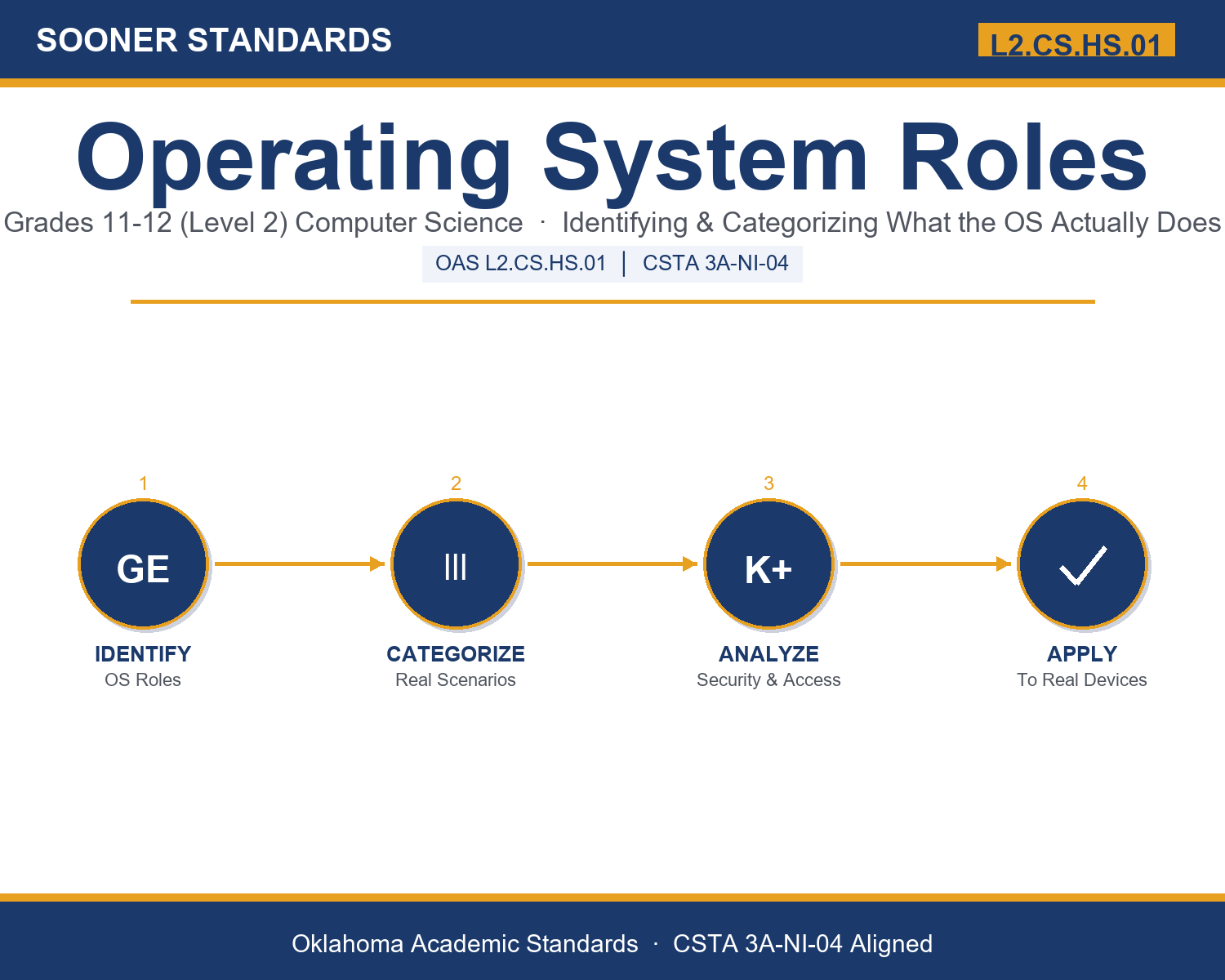
Identify and categorize the roles of a variety of operating system software. — Oklahoma Academic Standards for Computer Science (February 2023)
In plain language: This standard asks students to name the different jobs an operating system performs — like deciding which apps run, managing memory, organizing files, connecting hardware, and controlling permissions — and to correctly match a real device behavior to the job responsible for it.
In student-friendly terms, the learning target is: "I can identify and categorize the roles of a variety of operating system software by matching real, observable computer behaviors to the specific management role responsible for them."
What Students Should Be Able to Do
- I can name and describe the six operating system roles covered in this unit: process, memory, file system, device, security, and user interface management.
- I can sort a real scenario, such as a frozen app or a permission prompt, into the correct operating system role.
- I can explain the difference between application software and system software.
- I can explain why the user interface is a separate role from the operating system's other management responsibilities.
Along the way, students pick up the working vocabulary of the topic: kernel, process, thread, scheduler, memory, allocation, driver, filesystem, permission, multitasking, interrupt, bootloader, sandbox.
Operating System Roles: Misconceptions to Watch For
These are the wrong turns students reliably take with this standard — knowing them ahead of time is half the lesson plan. Each correction strategy below comes straight from the unit's teacher guide (the paragraph and activity references point into the unit itself).
1. "The operating system and the user interface are the same thing."
Return to paragraph 7's server example. Ask students how a server with no screen could still manage processes, memory, and files, and use that to show the interface is only one of several roles, not the whole operating system.
2. "An app decides for itself how much memory or which hardware it can use."
Revisit paragraphs 3 and 5. Emphasize that an application makes a request, but it is the operating system's memory management and device management roles that actually grant or deny it — the app does not have direct control.
3. "A permission prompt is just an annoying pop-up with no real technical purpose."
Connect to paragraph 6's discussion of security and access control. Explain that the prompt is the operating system's access-control role actively deciding whether to grant a specific app access to a specific resource, such as a camera.
4. "A driver is the same thing as an operating system update."
Use paragraph 5's headset example. Clarify that a driver is software specifically for communicating with one piece of hardware, while an operating system update can change many roles at once, including but not limited to drivers.
Discussion Starters You Can Use Tomorrow
- Why might a phone's operating system pause or stop a background app instead of just letting every app run at full speed forever?
- If a computer's file system and its memory management both involve storing data, why are they still considered two separate roles?
- Describe a time a device asked your permission for something. Which operating system role was responsible, and what do you think it was protecting?
Bringing It Home
This topic is a natural one for families. One ten-minute activity to try: Together, watch your device restart from fully off and count roughly how long it takes, then compare that to how long it takes to wake from sleep. Ask your student to explain, in their own words, why one takes longer than the other based on what they learned about how an operating system starts up.
Where This Leads
Students who can identify and categorize the roles of a variety of operating system software by matching real, observable computer behaviors to the specific management role responsible for them are building skills used every day in systems administration / IT support, mobile and software development, cybersecurity analysis, hardware and driver engineering, and computer science education.
See the Unit in Action
Get the Complete L2.CS.HS.01 Unit
I built a complete, no-prep unit for this standard — Operating System Roles: Identifying and Categorizing What the OS Actually Does — covering 3-4 days of instruction across 43 pages:
- Teacher guide — day-by-day pacing, misconceptions to watch for, discussion questions, differentiation for support / ELL / extension, and a 4-point rubric
- Student learning target page — a kid-friendly "I can" statement with success criteria
- Full content lesson with 3 embedded "Check Your Understanding" checkpoints
- 12-question assessment (6 multiple choice, 4 true/false, 2 short answer) with a complete answer key, explanations, and exemplar responses
- Group activity — "Sort the System: Categorizing Operating System Roles" (25-30 minutes)
- Individual activity — "My Operating System Role Log" (20-25 minutes)
- Crossword and word search built from all 13 vocabulary terms (with answer keys)
- Family connection letter — a plain-language page for parents, with dinner-table questions and a 10-minute home activity
- Certificate of achievement — ready to sign and send home
- Scenario Card Set: Sorting Operating System Roles (separate printable, 2 pages)
- Reference Notes: Operating System Roles (separate printable, 2 pages)
- My Operating System Role Log (separate printable, 2 pages)
Get Operating System Roles on Teachers Pay Teachers →
Also compared with CSTA 2026 HS-SYS-HW-29 (strong match) and CSTA 2017 3B-CS-01
Every Sooner Standards resource is built directly from the official Oklahoma Academic Standards for Computer Science (February 2023) — standard text taken directly from the source document.