Teaching Weighing the Trade-Offs in Digital Data Storage in Grades 9-10 (Level 1): Oklahoma Standard L1.DA.S.02
Teaching Weighing the Trade-Offs in Digital Data Storage in Grades 9-10 (Level 1): Oklahoma Standard L1.DA.S.02
Teaching data storage tradeoffs in grades 9-10 (level 1) does not have to be complicated. Picture a hospital weighing a structured patient-records database against a simple paper filing system. That kind of thinking is exactly what Oklahoma's grades 9-10 (level 1) computer science standard L1.DA.S.02 asks students to practice — and it is very teachable with the right materials. This post walks through what the standard means, the misconceptions students bring to it, and discussion starters you can use tomorrow, whether you teach in a classroom or at your kitchen table.
What Does Standard L1.DA.S.02 Actually Ask?
Evaluate the trade-offs in how data is organized and stored digitally. — Oklahoma Academic Standards for Computer Science (February 2023)
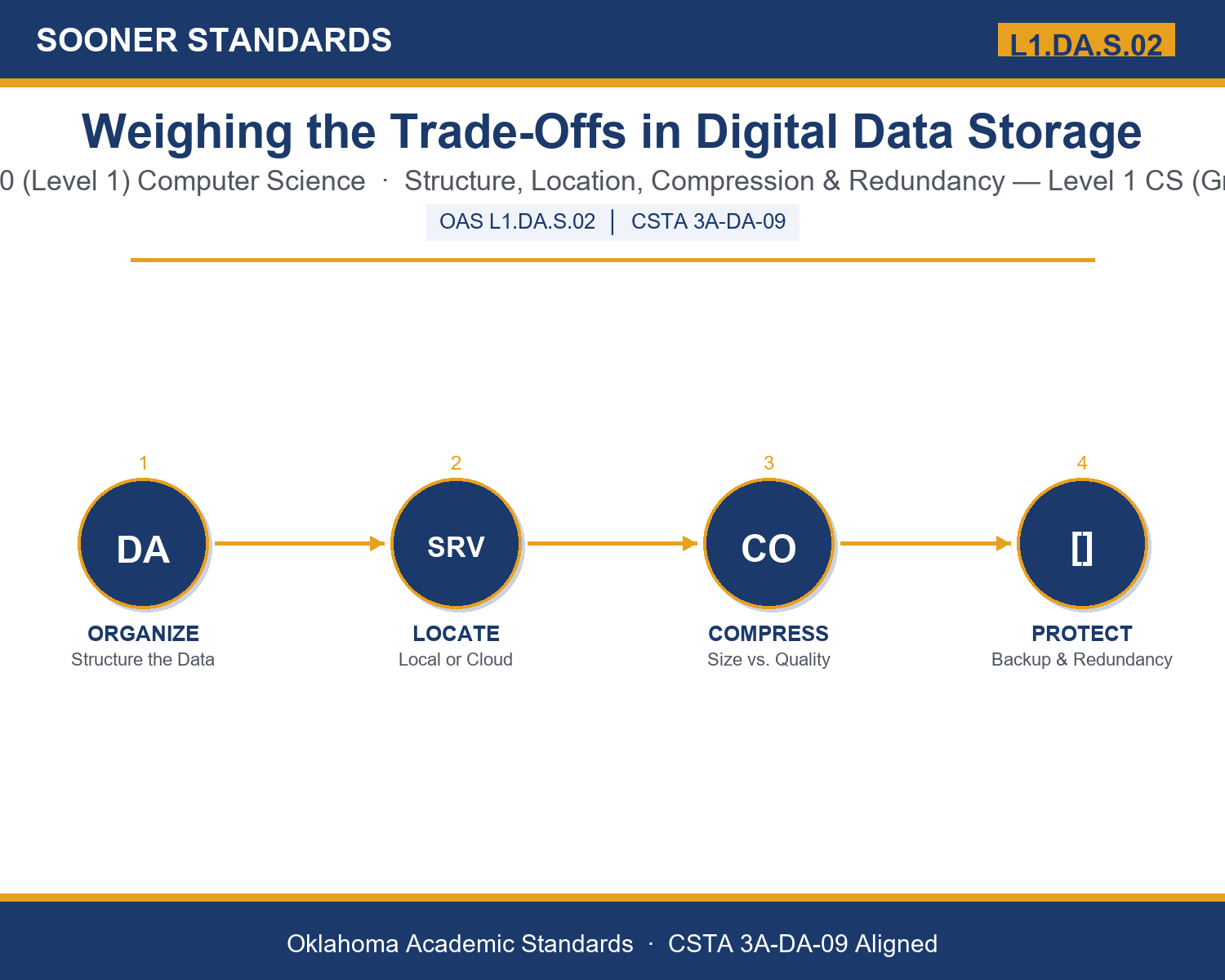
In plain language: This standard asks Level 1 students (grades 9-10) to evaluate the trade-offs in how data is organized and stored — comparing options like simple lists versus organized databases, storing data on a device versus online, shrinking file size versus keeping every detail, and keeping one copy versus keeping backups.
In student-friendly terms, the learning target is: "I can evaluate the trade-offs in how data is organized and stored digitally, and defend a specific storage recommendation by naming what it gains and what it costs."
What Students Should Be Able to Do
- I can compare structured storage (databases) against flat files, and local storage against cloud storage.
- I can explain the difference between lossy and lossless compression and when each is appropriate.
- I can explain how redundancy and backups reduce the risk of data loss, and what that protection costs.
- I can recommend a specific storage choice for a real-world scenario and justify it using trade-off reasoning.
Along the way, students pick up the working vocabulary of the topic: storage, database, compression, redundancy, backup, encryption, cloud, structured, metadata, latency, archive, bandwidth, tradeoff.
Data Storage Tradeoffs: Misconceptions to Watch For
These are the wrong turns students reliably take with this standard — knowing them ahead of time is half the lesson plan. Each correction strategy below comes straight from the unit's teacher guide (the paragraph and activity references point into the unit itself).
1. "One storage method (like the cloud) is always better than the others."
Return to paragraph 3. Cloud storage trades independence and low latency for accessibility and automatic backup — it depends on internet access and cost, so it is not automatically the best choice for every user or situation.
2. "Compression always makes a file worse or lower quality."
Point back to paragraph 4. Lossless compression shrinks a file with zero loss in quality; only lossy compression discards detail, and that is a deliberate, sometimes appropriate tradeoff, not always a downside.
3. "Backing up data once means it is permanently protected."
Emphasize paragraph 5's point that an outdated backup that no longer matches current data provides a false sense of safety. Redundancy only protects data that is kept current.
4. "Storage decisions are purely technical and do not affect real people differently."
Revisit paragraph 7's equity discussion. A slow internet connection, a tight budget, or limited resources can make one storage option far less realistic for some users than others — this is an equity issue, not only a performance one.
Discussion Starters You Can Use Tomorrow
- Think about where your own schoolwork is stored right now. Is it structured, backed up, or neither — and what risk does that create?
- Why might a hospital be willing to pay significantly more for redundant storage than a small local business would?
- Describe a situation where lossy compression would be a smart choice, and one where it would be a serious mistake.
Bringing It Home
This topic is a natural one for families. One ten-minute activity to try: Together, pick one important type of file your family keeps digitally — tax documents, family photos, or important records. Ask your student to identify where it is stored, whether a backup exists, and what tradeoff your family has made by storing it that way. There are no wrong answers — the goal is hearing their reasoning.
Where This Leads
Students who can evaluate the trade-offs in how data is organized and stored digitally, and defend a specific storage recommendation by naming what it gains and what it costs are building skills used every day in database administration, IT and systems administration, data engineering, and cybersecurity.
See the Unit in Action
Get the Complete L1.DA.S.02 Unit
I built a complete, no-prep unit for this standard — Weighing the Trade-Offs in Digital Data Storage — covering 3-4 days of instruction across 44 pages:
- Teacher guide — day-by-day pacing, misconceptions to watch for, discussion questions, differentiation for support / ELL / extension, and a 4-point rubric
- Student learning target page — a kid-friendly "I can" statement with success criteria
- Full content lesson with 3 embedded "Check Your Understanding" checkpoints
- 12-question assessment (6 multiple choice, 4 true/false, 2 short answer) with a complete answer key, explanations, and exemplar responses
- Group activity — "Evaluate the Trade-Off: Storage Decision Scenarios" (25-30 minutes)
- Individual activity — "My Data Storage Audit" (20 minutes)
- Crossword and word search built from all 13 vocabulary terms (with answer keys)
- Family connection letter — a plain-language page for parents, with dinner-table questions and a 10-minute home activity
- Certificate of achievement — ready to sign and send home
- Scenario Card Set: Evaluate the Trade-Off (separate printable, 2 pages)
- Reference Sheet: Evaluating Data Storage Trade-Offs (separate printable, 2 pages)
- My Data Storage Audit (separate printable, 2 pages)
Get Weighing the Trade-Offs in Digital Data Storage on Teachers Pay Teachers →
Also compared with CSTA 2017 3A-DA-10
Every Sooner Standards resource is built directly from the official Oklahoma Academic Standards for Computer Science (February 2023) — standard text taken directly from the source document.