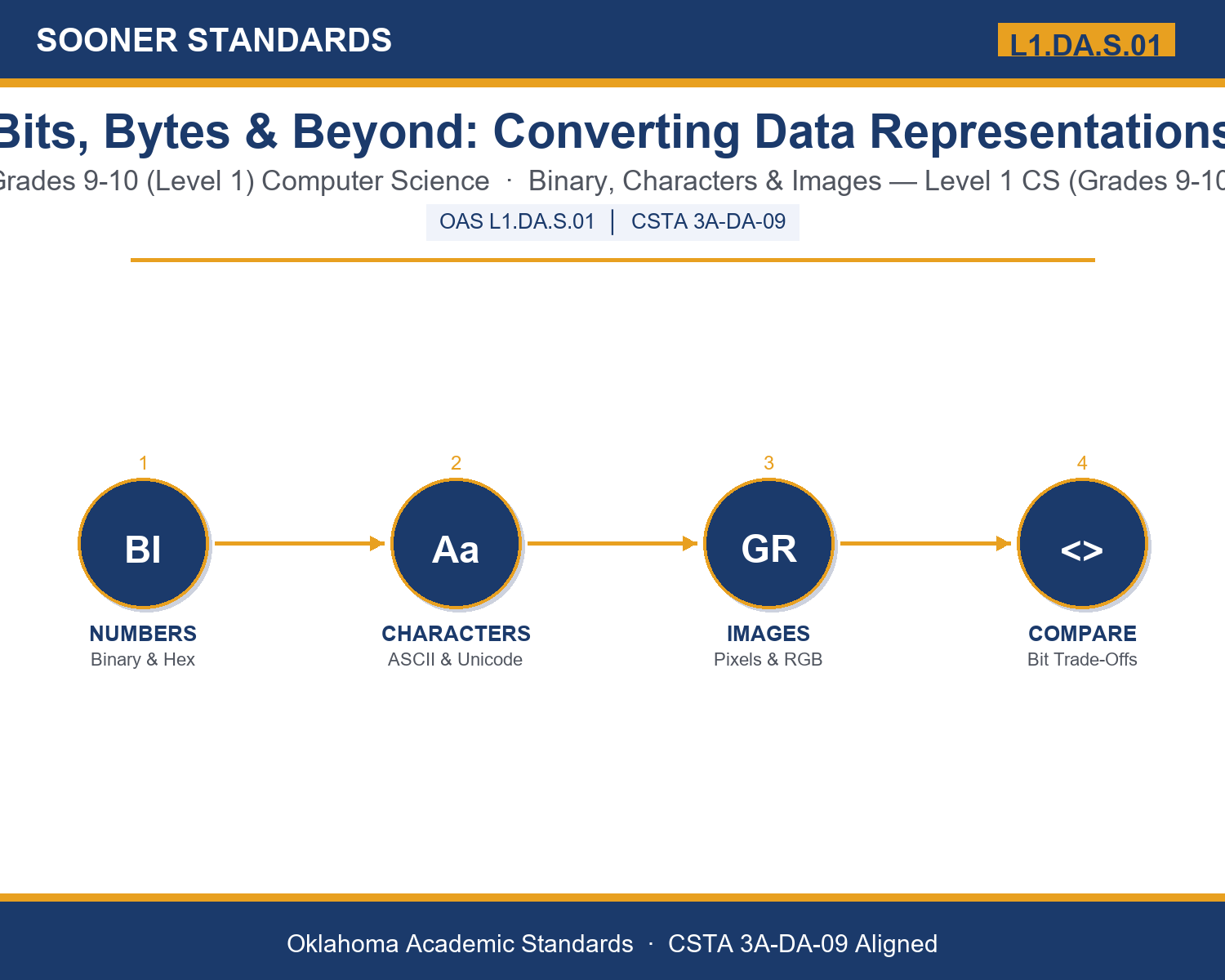
Teaching Bits, Bytes & Beyond: Converting Data Representations in Grades 9-10 (Level 1): Oklahoma Standard L1.DA.S.01
Teaching Bits, Bytes & Beyond: Converting Data Representations in Grades 9-10 (Level 1): Oklahoma Standard L1.DA.S.01
Teaching binary number conversion in grades 9-10 (level 1) does not have to be complicated. Picture a software team choosing between ASCII and Unicode for a global messaging app. That kind of thinking is exactly what Oklahoma's grades 9-10 (level 1) computer science standard L1.DA.S.01 asks students to practice — and it is very teachable with the right materials. This post walks through what the standard means, the misconceptions students bring to it, and discussion starters you can use tomorrow, whether you teach in a classroom or at your kitchen table.
What Does Standard L1.DA.S.01 Actually Ask?
Convert and compare different bit representations of data types, such as characters, numbers, and images. — Oklahoma Academic Standards for Computer Science (February 2023)
In plain language: This standard asks Level 1 students (grades 9-10) to convert numbers, characters, and images between different bit-level representations, and to compare those representations to understand what each one costs in storage and what each one preserves.
In student-friendly terms, the learning target is: "I can convert values between binary, decimal, and hexadecimal, and compare how characters, numbers, and images are represented as bits, including the trade-offs each representation involves."
What Students Should Be Able to Do
- I can convert a decimal number into binary and a binary number into decimal.
- I can convert a binary number into hexadecimal and explain why hexadecimal is used as a shorthand.
- I can compare ASCII and Unicode and explain why one uses more bits per character than the other.
- I can compare grayscale and RGB image representations and explain how bit depth and resolution affect file size.
Along the way, students pick up the working vocabulary of the topic: bits, byte, binary, ascii, unicode, encoding, pixel, grayscale, hexadecimal, conversion, character, compression, representation, resolution.
Binary Number Conversion: Misconceptions to Watch For
These are the wrong turns students reliably take with this standard — knowing them ahead of time is half the lesson plan. Each correction strategy below comes straight from the unit's teacher guide (the paragraph and activity references point into the unit itself).
1. "0s and 1s directly look like the letters, numbers, or pictures a computer displays."
Return to paragraph 1. Bits only become meaningful information because a program applies an encoding rule to them; the same bit pattern could represent different things under different encoding rules.
2. "ASCII and Unicode are basically the same thing, just with different names."
Point back to paragraph 3. ASCII covers only English letters, digits, and basic symbols in about 128 values, while Unicode covers nearly every written language and symbol, at a higher bit cost per character.
3. "A higher-resolution or higher bit depth image is always the better choice."
Revisit paragraph 4 and the comparison chart. Higher resolution and bit depth increase quality but also increase file size, which is not always worth the trade-off, especially for accessibility reasons in paragraph 7.
4. "Compression and encoding are the same process."
Emphasize the distinction in paragraphs 1 and 6: encoding determines how a value is represented as bits in the first place; compression is a separate technique applied afterward to reduce the number of bits needed by removing redundancy.
Discussion Starters You Can Use Tomorrow
- Why do you think early computer systems used ASCII instead of something like Unicode from the very beginning?
- If you were designing a messaging app, would you compress every photo automatically, or let users choose? What trade-offs would you explain to them?
- Describe a situation where using more bits (higher resolution, full color, Unicode) would clearly be worth the extra storage cost, and one where it would not.
Bringing It Home
This topic is a natural one for families. One ten-minute activity to try: Together, look at a few photos on a phone or computer and check their file sizes if you can. Compare a color photo to a black-and-white one, or a short text message to a long one. Ask your student to explain, in their own words, why the sizes might differ using ideas like pixels, color, or bits. There are no wrong answers — the goal is hearing their reasoning.
Where This Leads
Students who can convert values between binary, decimal, and hexadecimal, and compare how characters, numbers, and images are represented as bits, including the trade-offs each representation involves are building skills used every day in software engineering, digital forensics, graphic and game design, and media / compression engineering.
See the Unit in Action
Get the Complete L1.DA.S.01 Unit
I built a complete, no-prep unit for this standard — Bits, Bytes, and Beyond: Converting and Comparing Data Representations — covering 3-4 days of instruction across 42 pages:
- Teacher guide — day-by-day pacing, misconceptions to watch for, discussion questions, differentiation for support / ELL / extension, and a 4-point rubric
- Student learning target page — a kid-friendly "I can" statement with success criteria
- Full content lesson with 3 embedded "Check Your Understanding" checkpoints
- 12-question assessment (6 multiple choice, 4 true/false, 2 short answer) with a complete answer key, explanations, and exemplar responses
- Group activity — "Convert and Compare: The Data Representation Challenge" (25-30 minutes)
- Individual activity — "My Bit Representation Log" (20 minutes)
- Crossword and word search built from all 14 vocabulary terms (with answer keys)
- Family connection letter — a plain-language page for parents, with dinner-table questions and a 10-minute home activity
- Certificate of achievement — ready to sign and send home
- Conversion Challenge Card Set (separate printable, 2 pages)
- Reference Sheet: Converting Between Number Systems (separate printable, 1 page)
- My Bit Representation Log (separate printable, 2 pages)
Get Bits, Bytes & Beyond: Converting Data Representations on Teachers Pay Teachers →
Also compared with CSTA 2017 3A-DA-09
Every Sooner Standards resource is built directly from the official Oklahoma Academic Standards for Computer Science (February 2023) — standard text taken directly from the source document.