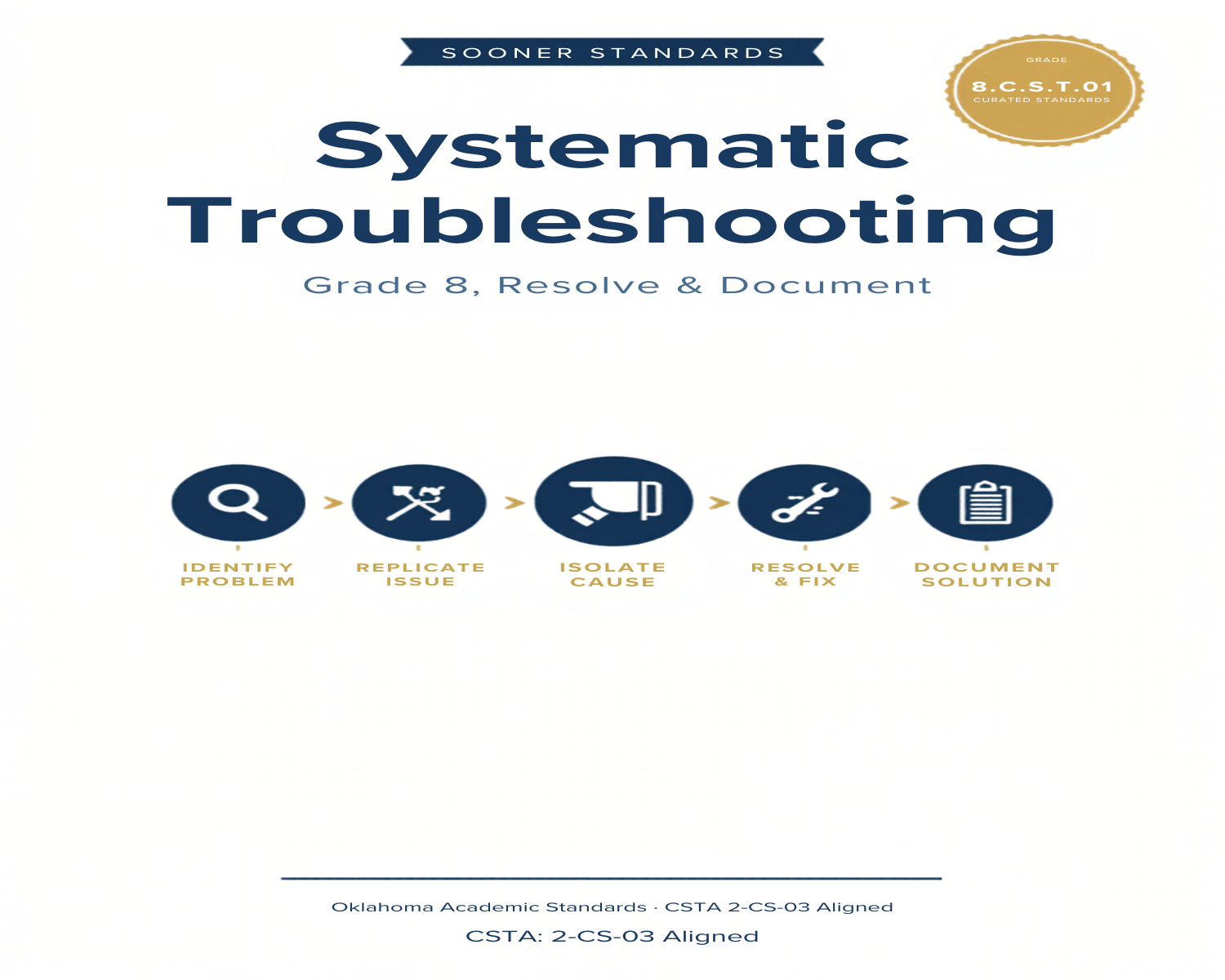
Systematic Troubleshooting: Identifying, Resolving, and Documenting Computing Problems
Teaching Systematic Troubleshooting in Grade 8: Oklahoma Standard 8.CS.T.01
Every computing device will eventually have a problem — a laptop that won't connect to the network, a tablet with a flickering screen, a desktop that restarts without warning. Oklahoma's standard 8.CS.T.01 asks eighth graders to build a real process for handling that reality: systematically identifying, resolving, and documenting complex software and hardware problems with computing devices and their components. This post walks through what the standard means, the vocabulary students need, and a few discussion starters you can use tomorrow.
What Does Standard 8.CS.T.01 Actually Ask?
Systematically identify, resolve, and document complex software and hardware problems with computing devices and their components. — Oklahoma Academic Standards for Computer Science (February 2023)
In plain language: students need a repeatable method for figuring out what's actually wrong with a device — not guesswork — plus the discipline to write down what they found and how they fixed it.
Key Vocabulary Students Will Learn
Troubleshooting, Diagnostic, Root Cause, Symptom, Isolation, Documentation, Driver, Replication, Escalation, Conflict, Log, Restore, Peripheral, Benchmark, Firmware
These terms describe the actual process professionals use — separating a symptom from its root cause, isolating variables, and documenting findings so the same problem doesn't have to be solved twice.
What's Inside the Lesson
The content reading opens by naming the problems students have likely already lived through — a school laptop that won't connect, a flickering presentation screen, a desktop that restarts unexpectedly — and frames these not as rare failures but as predictable realities of working with complex hardware and software systems. The reading draws a clear line: the difference between a technician who resolves problems efficiently and one who wastes hours on guesswork is a systematic troubleshooting process.
Discussion Starters You Can Use Tomorrow
- When something on a device stops working, what's the first thing you usually check — and is that actually the most likely cause?
- Why might writing down the steps you tried, even the ones that didn't work, be just as useful as the fix that finally worked?
- If a problem only happens sometimes and you can't make it happen again on command, how would you even start diagnosing it?
Where This Leads
Students who can systematically troubleshoot are building a skill IT professionals, engineers, and technicians use every single day — the discipline to move from "something's wrong" to "here's exactly what's wrong and how I fixed it."
See the Unit in Action
Get the Complete 8.CS.T.01 Unit
I built a complete, no-prep unit for this standard — Systematic Troubleshooting: Identifying, Resolving, and Documenting Computing Problems — across 27 ready-to-print pages:
- Vocabulary reference — all 15 terms with definitions and real-world examples
- Full content reading with embedded comprehension checkpoints
- 10-question assessment (6 multiple choice, 4 true/false) with a complete answer key and explanations
- Group activity — "System Diagnostic Challenge"
- Individual activity — "Troubleshooting Documentation Report"
- Crossword and word search built from all 15 vocabulary terms (with answer keys)
- Standards alignment verification page
- Troubleshooting Log (separate printable)
- Troubleshooting Rubric (separate printable)
Get Systematic Troubleshooting on Teachers Pay Teachers →
Every Sooner Standards resource is built directly from the official Oklahoma Academic Standards for Computer Science (February 2023) — standard text verified, never paraphrased from memory.