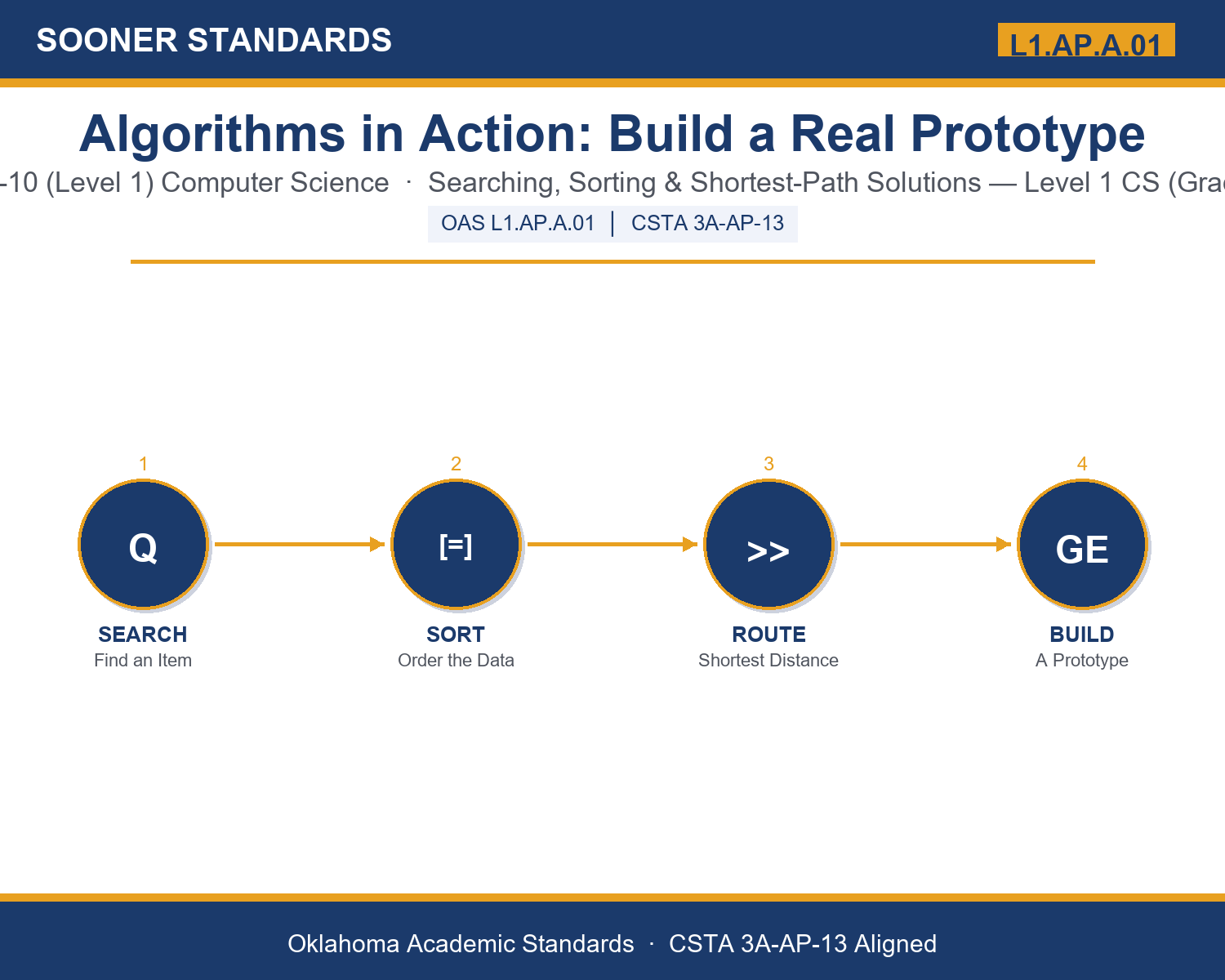
Teaching Algorithms in Action: Build a Real Prototype in Grades 9-10 (Level 1): Oklahoma Standard L1.AP.A.01
Teaching Algorithms in Action: Build a Real Prototype in Grades 9-10 (Level 1): Oklahoma Standard L1.AP.A.01
Teaching algorithms real world problems in grades 9-10 (level 1) does not have to be complicated. Picture a logistics team prototyping a shortest-path route for delivery drivers. That kind of thinking is exactly what Oklahoma's grades 9-10 (level 1) computer science standard L1.AP.A.01 asks students to practice — and it is very teachable with the right materials. This post walks through what the standard means, the misconceptions students bring to it, and discussion starters you can use tomorrow, whether you teach in a classroom or at your kitchen table.
What Does Standard L1.AP.A.01 Actually Ask?
Create a prototype that uses algorithms (e. g., searching, sorting, finding shortest distance) to provide a possible solution for a real- world problem. — Oklahoma Academic Standards for Computer Science (February 2023)
In plain language: This standard asks Level 1 students (grades 9-10) to build a small, working example — a prototype — that uses a searching, sorting, or shortest-distance algorithm to solve a real-world problem, and to explain how the algorithm actually produces that solution.
In student-friendly terms, the learning target is: "I can create a prototype that uses a searching, sorting, or shortest-distance algorithm to provide a possible solution to a real-world problem, and explain how the algorithm produces that solution."
What Students Should Be Able to Do
- I can distinguish between searching, sorting, and shortest-distance algorithms and identify which one a given real-world problem calls for.
- I can write pseudocode for a prototype solution and trace it by hand on a small test example.
- I can identify and fix a logic error in my prototype through iteration.
- I can explain how efficiency affects who can realistically use a piece of technology.
Along the way, students pick up the working vocabulary of the topic: algorithm, prototype, search, sort, iteration, efficiency, pseudocode, variable, loop, conditional, dataset, heuristic, optimization.
Algorithms Real World Problems: Misconceptions to Watch For
These are the wrong turns students reliably take with this standard — knowing them ahead of time is half the lesson plan. Each correction strategy below comes straight from the unit's teacher guide (the paragraph and activity references point into the unit itself).
1. "A prototype has to be a finished, polished, working program."
Return to paragraph 5. A prototype only needs to prove the logic works on a small test case — pseudocode traced by hand counts as a legitimate prototype for this standard.
2. "The fastest algorithm is always the best choice, regardless of the problem."
Point back to the sorting comparison in paragraph 3: bubble sort, insertion sort, and merge sort each trade simplicity against speed. The 'best' algorithm depends on the size of the data and what resources are available, not speed alone.
3. "Searching, sorting, and shortest-distance algorithms are unrelated skills that must be memorized separately."
Emphasize the pattern named in paragraph 4: all three are formalized versions of strategies people already use informally (flipping to a page, arranging papers, choosing a hallway). Helping students see the underlying strategy reduces rote memorization.
4. "Efficiency is only a technical concern that does not affect real users."
Revisit paragraph 7's accessibility discussion. A slow algorithm is a real barrier on older devices, shared computers, or slow connections — efficiency is also an equity issue, not only a performance metric.
Discussion Starters You Can Use Tomorrow
- Think of an app you use daily. Which algorithm family (searching, sorting, or shortest distance) do you think is doing the most work behind the scenes, and why?
- Why might a team deliberately build a slower, simpler prototype first instead of jumping straight to the fastest possible algorithm?
- Describe a real-world problem where choosing the WRONG algorithm family would waste significant time or resources, even if the algorithm itself were coded correctly.
Bringing It Home
This topic is a natural one for families. One ten-minute activity to try: Together, pick a real task your family does that involves finding, ordering, or routing something — searching for a recipe, sorting laundry by color, or choosing the fastest way to run errands. Ask your student to describe the steps out loud as if explaining them to a computer, and talk about which algorithm family (searching, sorting, or shortest distance) the task matches. There are no wrong answers — the goal is hearing their reasoning.
Where This Leads
Students who can create a prototype that uses a searching, sorting, or shortest-distance algorithm to provide a possible solution to a real-world problem, and explain how the algorithm produces that solution are building skills used every day in software engineering, logistics and supply chain, data analysis, and UX / product design.
See the Unit in Action
Get the Complete L1.AP.A.01 Unit
I built a complete, no-prep unit for this standard — Solving Real-World Problems with Algorithms: Search, Sort, and Shortest Path — covering 3-4 days of instruction across 44 pages:
- Teacher guide — day-by-day pacing, misconceptions to watch for, discussion questions, differentiation for support / ELL / extension, and a 4-point rubric
- Student learning target page — a kid-friendly "I can" statement with success criteria
- Full content lesson with 3 embedded "Check Your Understanding" checkpoints
- 12-question assessment (6 multiple choice, 4 true/false, 2 short answer) with a complete answer key, explanations, and exemplar responses
- Group activity — "Prototype a Solution: The Delivery Route Challenge" (25-30 minutes)
- Individual activity — "My Algorithm Prototype Log" (20 minutes)
- Crossword and word search built from all 13 vocabulary terms (with answer keys)
- Family connection letter — a plain-language page for parents, with dinner-table questions and a 10-minute home activity
- Certificate of achievement — ready to sign and send home
- Problem Card Set: Prototype a Solution (separate printable, 2 pages)
- Reference Sheet: Writing and Tracing Pseudocode (separate printable, 2 pages)
- My Algorithm Prototype Log (separate printable, 2 pages)
Get Algorithms in Action: Build a Real Prototype on Teachers Pay Teachers →
Also compared with CSTA 2017 3A-AP-13
Every Sooner Standards resource is built directly from the official Oklahoma Academic Standards for Computer Science (February 2023) — standard text taken directly from the source document.