Teaching Reading the Fine Print: Evaluate Software Licenses in Grades 9-10 (Level 1): Oklahoma Standard L1.AP.PD.02
Teaching Reading the Fine Print: Evaluate Software Licenses in Grades 9-10 (Level 1): Oklahoma Standard L1.AP.PD.02
Teaching software licensing schemes in grades 9-10 (level 1) does not have to be complicated. Picture a software engineer choosing which open source libraries a project can legally import. That kind of thinking is exactly what Oklahoma's grades 9-10 (level 1) computer science standard L1.AP.PD.02 asks students to practice — and it is very teachable with the right materials. This post walks through what the standard means, the misconceptions students bring to it, and discussion starters you can use tomorrow, whether you teach in a classroom or at your kitchen table.
What Does Standard L1.AP.PD.02 Actually Ask?
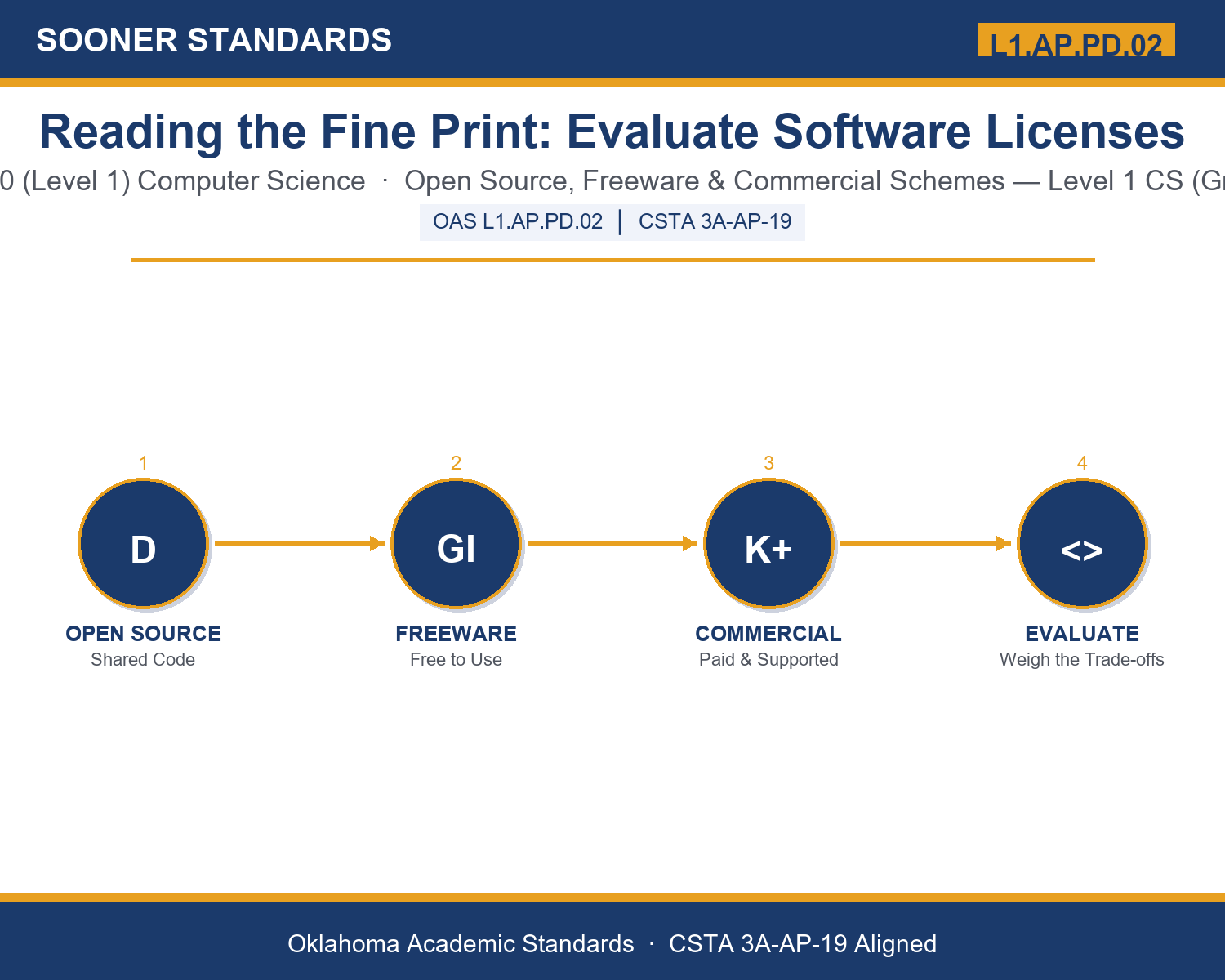
Evaluate a variety of software licensing schemes (e.g., open source, freeware, commercial) and discuss the advantages and disadvantages of each scheme in software development. — Oklahoma Academic Standards for Computer Science (February 2023)
In plain language: This standard asks Level 1 students (grades 9-10) to evaluate different kinds of software licenses — open source, freeware, and commercial — and to discuss the real advantages and disadvantages each one creates for the people who write, sell, and use software.
In student-friendly terms, the learning target is: "I can evaluate a variety of software licensing schemes — open source, freeware, and commercial — and discuss the advantages and disadvantages of each scheme in software development."
What Students Should Be Able to Do
- I can distinguish between open source, freeware, and commercial licensing schemes and identify clues that reveal which scheme a piece of software uses.
- I can explain at least two advantages and two disadvantages of each licensing scheme.
- I can recommend an appropriate licensing scheme for a specific real-world scenario and defend the choice using the scenario's priorities.
- I can explain why attribution and compliance matter even when software is free to use.
Along the way, students pick up the working vocabulary of the topic: license, copyright, opensource, freeware, commercial, attribution, redistribute, proprietary, compliance, enduser, royalty, warranty.
Software Licensing Schemes: Misconceptions to Watch For
These are the wrong turns students reliably take with this standard — knowing them ahead of time is half the lesson plan. Each correction strategy below comes straight from the unit's teacher guide (the paragraph and activity references point into the unit itself).
1. "Freeware and open source software are the same thing because both are free of charge."
Return to paragraph 3. Freeware is free to run but usually hides its source code and can still restrict modifying or reselling it; open source specifically guarantees public access to the source code.
2. "If software is free, there is no real cost to using it."
Point back to paragraph 3's discussion of freeware revenue. Free software often recovers cost through ads, data collection, or limited features, so 'free' rarely means truly zero cost.
3. "Software licensing rules are just guidelines, not real legal requirements."
Emphasize paragraph 6: a license grants permission that copyright law would otherwise withhold, so violating it is a copyright violation with genuine legal and financial consequences.
4. "Attribution only matters for commercial software, not for free or open source code."
Revisit paragraph 7. Even permissive open source licenses that allow broad reuse almost always still require crediting the original creator — attribution is not tied to price.
Discussion Starters You Can Use Tomorrow
- Think of a free app or program you use. What licensing scheme do you think it uses, and what evidence supports your guess?
- Why might a company choose to release part of its software as open source while keeping another part commercial and proprietary?
- Describe a real-world situation where choosing the WRONG licensing scheme could create a serious problem for a business or organization.
Bringing It Home
This topic is a natural one for families. One ten-minute activity to try: Together, pick one free app or program your family uses regularly. Look together for any information about its license or terms of use — a price for a 'pro' version, a mention of ads, or a link to open source code. Ask your student to explain what they think the licensing scheme is and one advantage and one disadvantage of it for your family. There are no wrong answers — the goal is hearing their reasoning.
Where This Leads
Students who can evaluate a variety of software licensing schemes — open source, freeware, and commercial — and discuss the advantages and disadvantages of each scheme in software development are building skills used every day in software engineering, product management, technology law, and IT administration.
See the Unit in Action
Get the Complete L1.AP.PD.02 Unit
I built a complete, no-prep unit for this standard — Reading the Fine Print: Evaluating Software Licensing Schemes — covering 3-4 days of instruction across 43 pages:
- Teacher guide — day-by-day pacing, misconceptions to watch for, discussion questions, differentiation for support / ELL / extension, and a 4-point rubric
- Student learning target page — a kid-friendly "I can" statement with success criteria
- Full content lesson with 3 embedded "Check Your Understanding" checkpoints
- 12-question assessment (6 multiple choice, 4 true/false, 2 short answer) with a complete answer key, explanations, and exemplar responses
- Group activity — "Evaluate the License: The Software Decision Challenge" (25-30 minutes)
- Individual activity — "My Software Licensing Investigation" (20 minutes)
- Crossword and word search built from all 12 vocabulary terms (with answer keys)
- Family connection letter — a plain-language page for parents, with dinner-table questions and a 10-minute home activity
- Certificate of achievement — ready to sign and send home
- Scenario Card Set: Evaluate the License (separate printable, 2 pages)
- Reference Sheet: Software Licensing Schemes (separate printable, 2 pages)
- My Software Licensing Investigation (separate printable, 2 pages)
Get Reading the Fine Print: Evaluate Software Licenses on Teachers Pay Teachers →
Also aligned to CSTA 3A-AP-19: Evaluate licenses that limit or restrict use of computational artifacts when using resources such as libraries.
Every Sooner Standards resource is built directly from the official Oklahoma Academic Standards for Computer Science (February 2023) — standard text verified, never paraphrased from memory.